Chapter 4 Windows Host Configuration
94
5. Select the appropriate printer driver for your printer and click
Next.
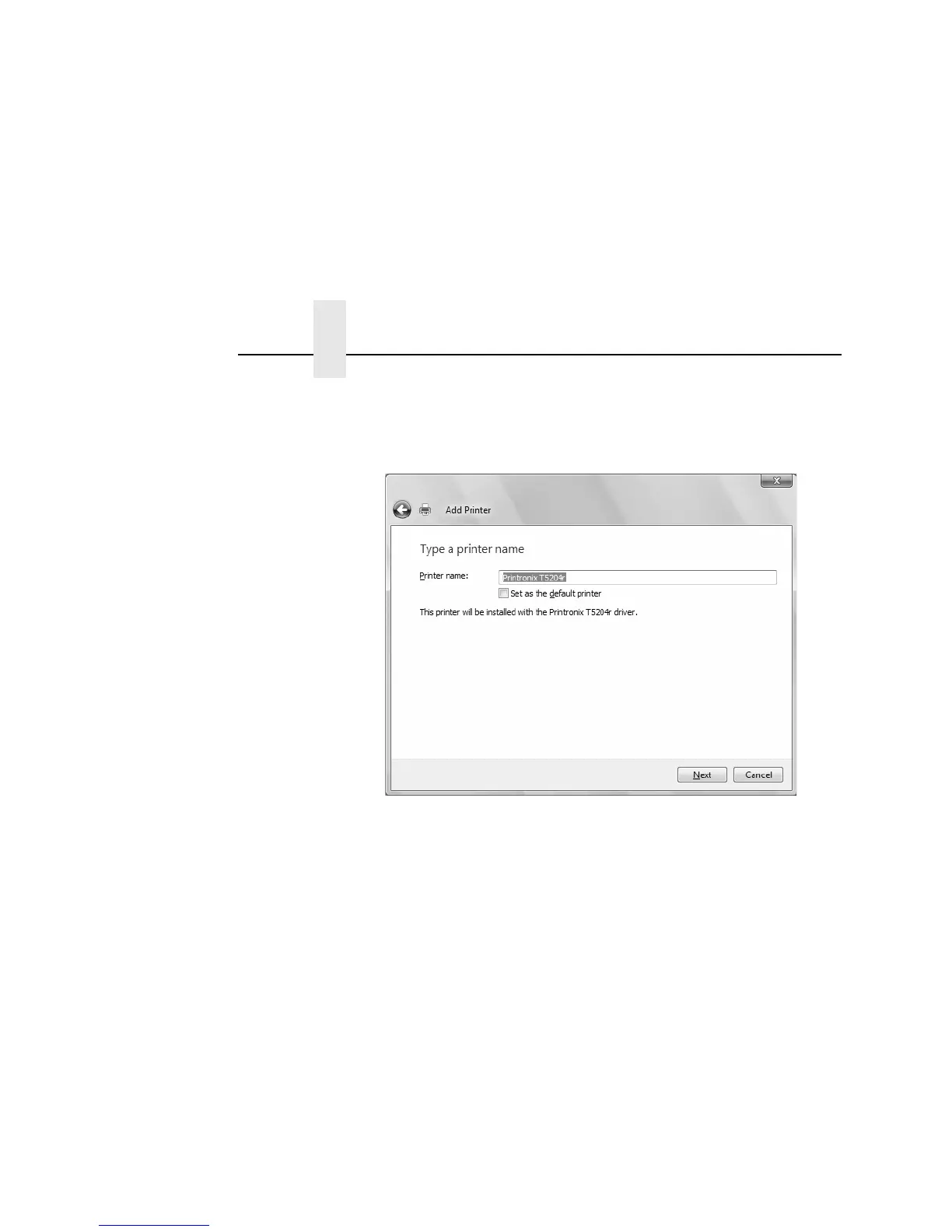
Figure 30. Naming a Printer
6. Enter a printer name and click Next. By default the printer you
selected in the previous step is entered.
NOTE: If an Important Notice appears and informs you to reboot
your PC before using the barcode fonts, click OK.



 To Next Page