EasyManua.ls Logo

Printronix P5215 - User Manual

Printronix P5215
270 pages
Print Icon
To Next Page IconTo Next Page
Loading...
Users Manual
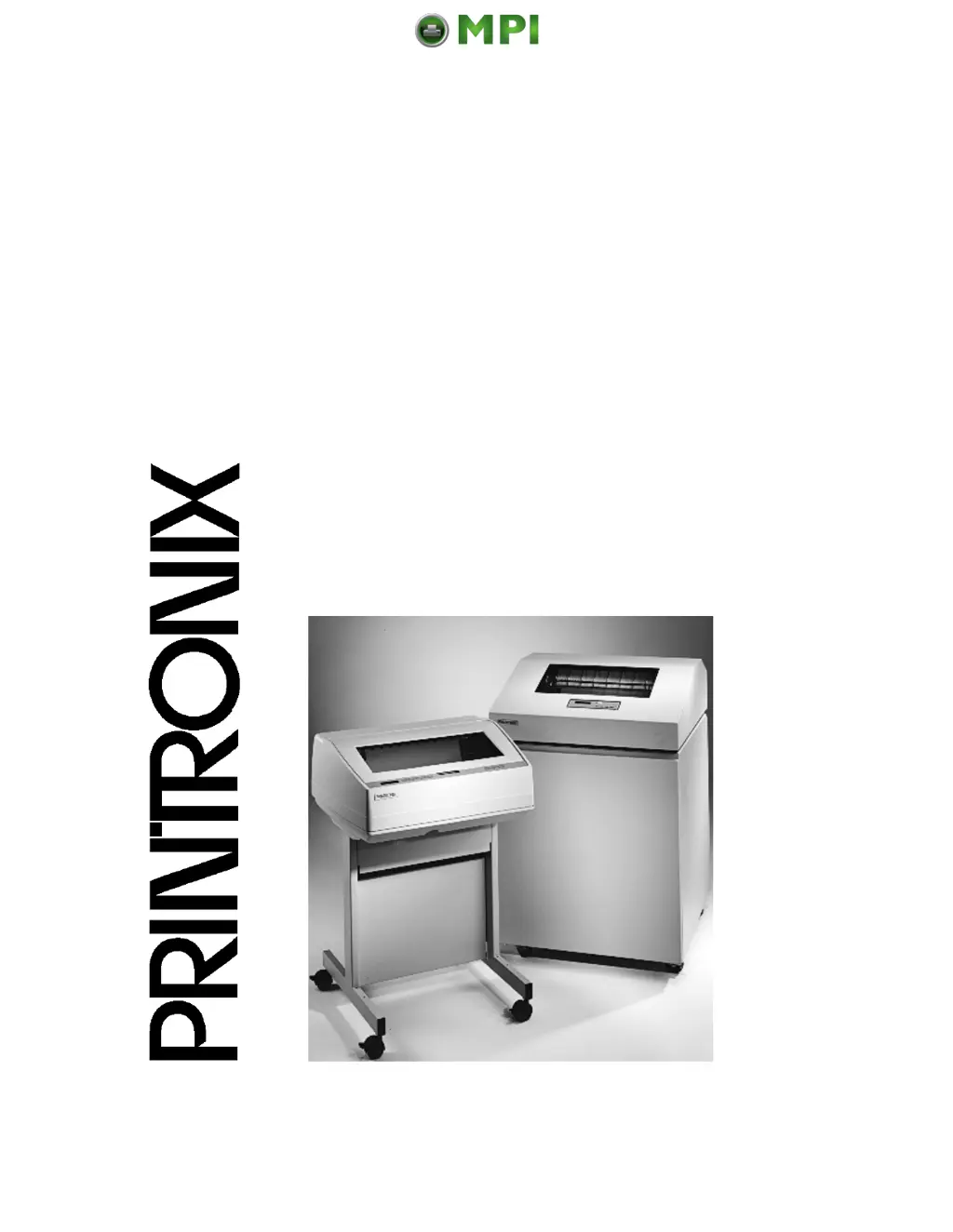
The Printronix P5000 series Of Line Matrix Printers
P5005B, P5205B, P5010, P5210, P5215
Mantenimiento Periféricos Informáticos SL C/Canteras, 15 28860 Paracuellos de Jarama Tel: 00 34 917481604 WEB: https://mpi.com.es

Table of Contents

Questions and Answers

  • J
    James JohnsonAug 21, 2025
    How to fix 'Clear Paper Jam' on Printronix P5215?
    • J
      Joshua PalmerAug 22, 2025
      If your Printronix Printer displays 'CLEAR PAPER JAM', clear the paper jam and reload the paper. If the message appears again, contact your authorized service representative.
  • D
    Daniel DavisSep 4, 2025
    How to fix 'Close Platen' error on Printronix P5215 Printer?
    • K
      Kathryn SmithSep 4, 2025
      If your Printronix Printer displays 'CLOSE PLATEN', close the forms thickness lever.
  • A
    Abigail DuarteSep 3, 2025
    What does 'Power Supply Hot' mean on Printronix Printer?
    • S
      sarahgardnerSep 3, 2025
      If your Printronix Printer displays 'POWER SUPPLY HOT', check the printer environment. If it is hot or dusty, relocate the printer. If this occurs frequently, contact your authorized service representative.
  • L
    Lindsey SmithSep 1, 2025
    Why does my Printronix P5215 say 'Printer Hot'?
    • A
      anthony88Sep 1, 2025
      If your Printronix Printer displays 'PRINTER HOT', check the printer environment. If it is hot or dusty, relocate the printer. If this occurs frequently, contact your authorized service representative.
  • J
    Joseph SmithAug 31, 2025
    What causes 'Coil Hot' message on Printronix P5215 and how to fix it?
    • A
      Alyssa MaynardAug 31, 2025
      If your Printronix Printer displays 'COIL HOT', check the printer's environment. If it is too hot or dusty, relocate the printer. Note that this message may appear normally on graphically intense print jobs.
  • E
    Emily HamiltonAug 29, 2025
    How to resolve '34 Ribbon Stall Timeout' on Printronix Printer?
    • W
      William EdwardsAug 29, 2025
      If your Printronix Printer displays '34 RIBBON STALL TIMEOUT', clear the ribbon jam and reload the ribbon.
  • T
    Tonya MunozAug 27, 2025
    How to fix 'Stacker Jam' error on Printronix Printer?
    • D
      David StaffordAug 27, 2025
      If your Printronix Printer displays 'STACKER JAM', remove the paper.
  • P
    pbrownAug 27, 2025
    What to do if Printronix Printer shows 'Stacker Full'?
    • E
      Elizabeth SloanAug 27, 2025
      If your Printronix Printer displays 'STACKER FULL', remove the paper from the stacker.
  • Z
    zmitchellAug 25, 2025
    How to resolve 'Load Paper' message on Printronix P5215?
    • S
      Shelly JacksonAug 25, 2025
      If your Printronix Printer shows 'LOAD PAPER', load paper into the printer.
  • A
    Angela EricksonAug 23, 2025
    What to do if Printronix P5215 says 'Ribbon Ink Out Change Ribbon'?
    • M
      Megan BautistaAug 23, 2025
      If your Printronix Printer displays 'RIBBON INK OUT CHANGE RIBBON', replace the ribbon. Alternatively, you can press CLEAR for an additional two minutes of printing before the fault displays again.

Printronix P5215 Specifications

General IconGeneral
BrandPrintronix
ModelP5215
CategoryPrinter
LanguageEnglish

Related product manuals