1.12
Operation Manual
© 2013 Prism Media Products Ltd
Revision 1.00Prism Sound Lyra
4 Installation procedures
This section contains detailed installation instructions for your Lyra. If you are keen to get going
quickly, you could use the Quick start guides section.
4.1 Mac installation
The Lyra Control Panel app can be installed on Macs with Intel processors. You need a spare USB
2.0 of USB 3.0 port. You must have OS X 10.5 Leopard, or later. No driver is required, since OS X
can interface to Lyra directly.
The full installation procedure is as follows:
· Connect your Lyra to the mains supply and to a USB port on your Mac with the cables provided.
· Insert the installation disc into a DVD-ROM drive on your Mac.
· If 'Autorun' is not enabled, double-click on the DVD-ROM device.
· Double-click on the "Lyra control app" package.
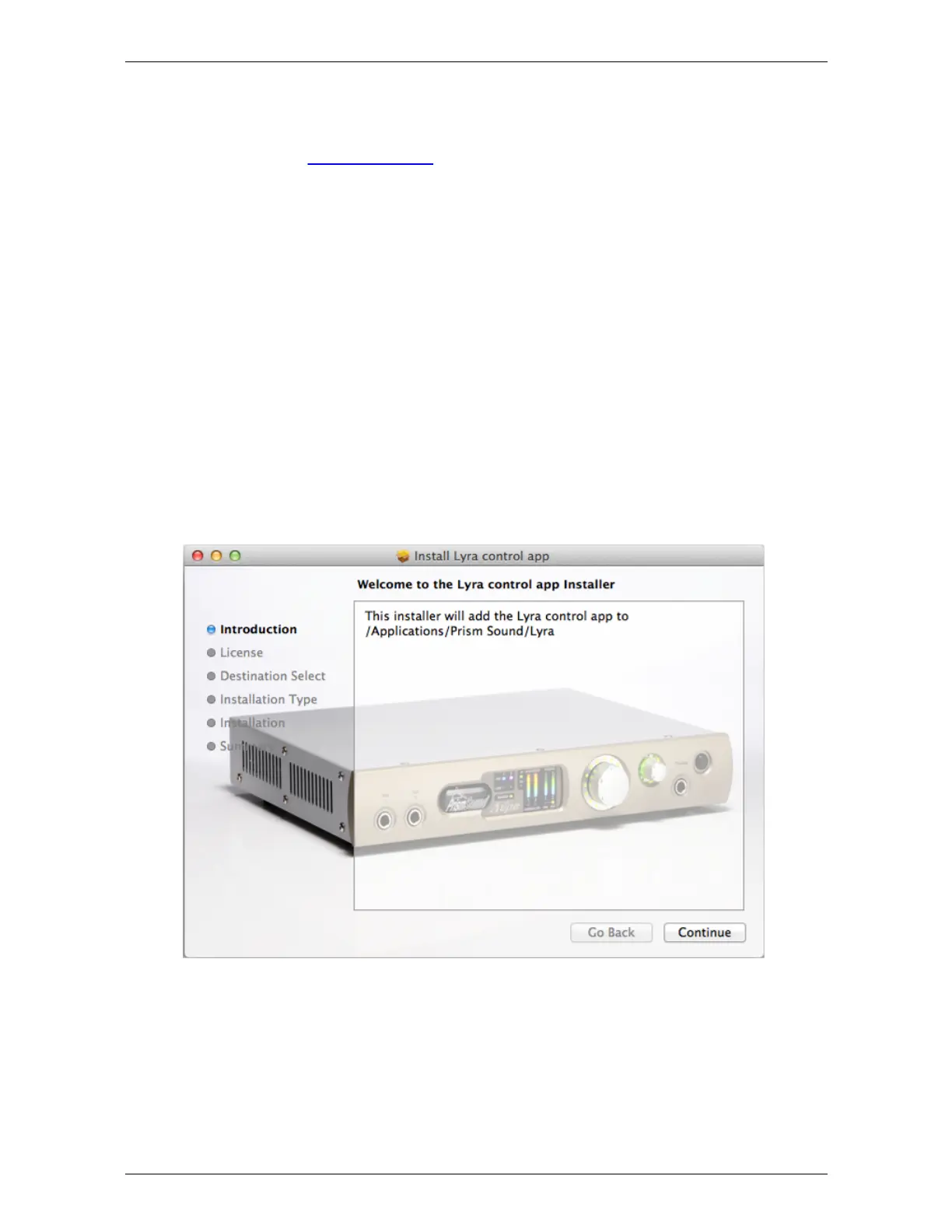
· A dialogue box will guide you through the installation process; click 'Continue':


 To Next Page