1.36
Operation Manual
© 2013 Prism Media Products Ltd
Revision 1.00Prism Sound Lyra
control the unit's sample rate.
NOTE: It may not be possible to change the sample rate whilst any of Lyra's ports are in use
by an audio application (e.g. a DAW). In this case it is necessary to disconnect the ports from
the application before changing the sample rate, or (where possible) to change the rate from
within the application.
A two-channel sample-rate converter (SRC) can be configured in the S/PDIF input path, or in the
S/PDIF output path, or can be disabled, using the SRC control.
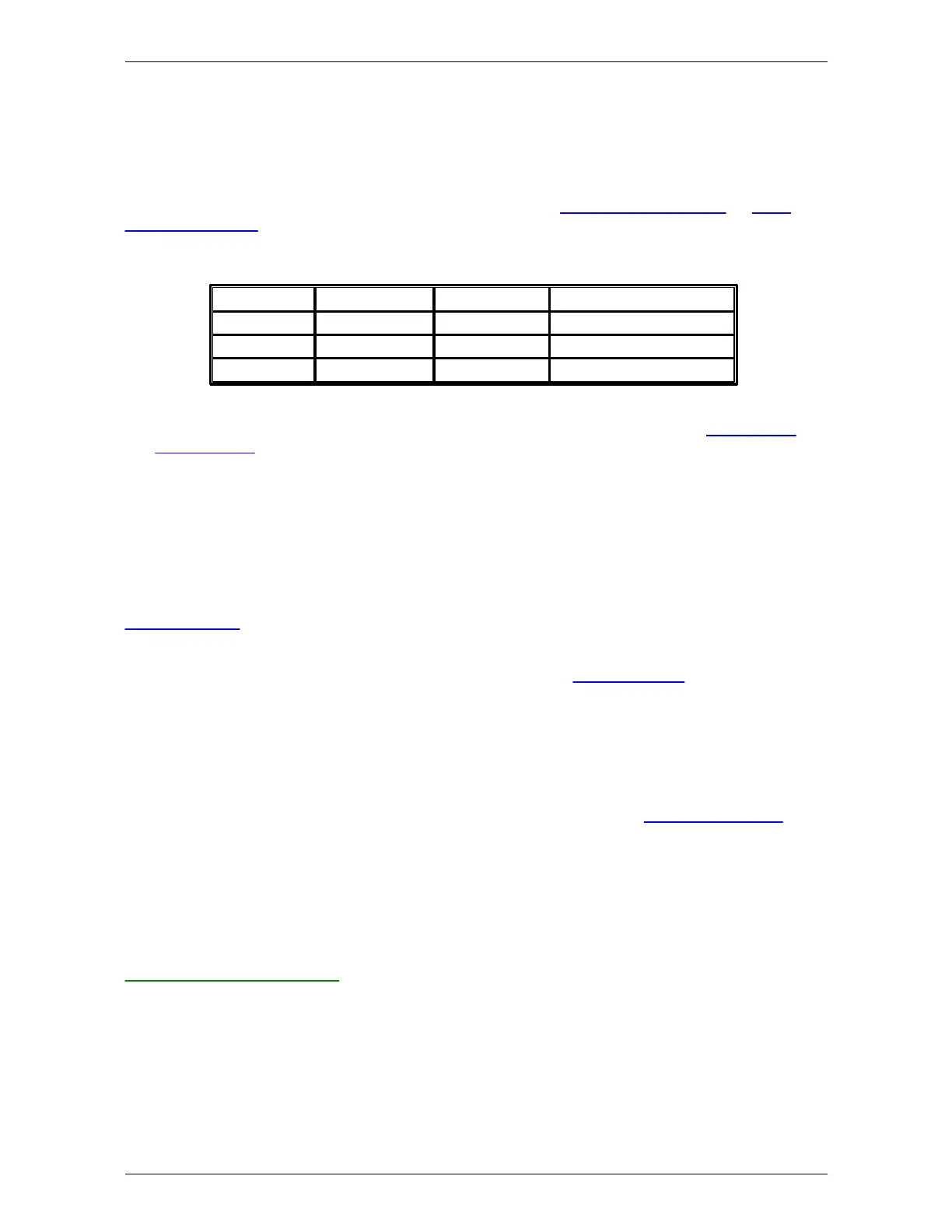
The ADAT mode control selects the number of supported ADAT inputs and outputs as follows:
In ADAT4 mode at sample rates of 88.2kHz and 96kHz, SMUX mode is used. By default, ADAT
ports are disabled to ease load on the host computer. For more information, see the Digital inputs
and Digital outputs sections.
NOTE: Changing the ADAT mode causes changes in the number of input and output channels
reported to the host computer by Lyra. It is therefore advisable to close your DAW
application before changing the ADAT mode, and to restart it again afterwards, in order to
ensure reliable operation.
The FP Meters control allows the front panel meters to be switched between the analogue and
S/PDIF inputs, and the analogue and S/PDIF outputs. In the case of Lyra 2, the analogue meter pair
in output mode must be further selected between AO1/2 and AO3/4. For more information, see the
Metering system description.
The Clock Out control can be used to cause the Wordclock output to produce Baseclock or 256x
clock instead of Wordclock if required. For more details, see the Synchronization section.
The LED Level control allows the brightness of the LEDs on Lyra's front panel to be adjusted to suit
ambient lighting conditions.
In Windows systems, the audio delay through the input and output buffers can be controlled with the
Buffer control. The buffer time is entered in samples. The buffer time may be automatically
adjusted by the software when the sample rate is changed. In general, it is better to keep the buffer
time quite long. This reduces the risk of audio glitches, as described in the Stability and latency
section. Lyra's low-latency on-board foldback mixing facility reduces the need for the low latency in
the driver. In Mac systems, buffer latency control is handled by OS X.
Below the Unit Selector is the Identify button. This can be latched on or off. In the on state (high-lit
red) the LED in the standby switch of the associated unit flashes. This allows identification of each
unit in a multi-unit system (if supported).
Load, Save and Help buttons
The green Help button ('?') opens the online version of this manual in a browser window.
The red Save and the orange Load buttons save and load Lyra settings to and from disk.


 To Next Page