PS5000 Series (Slim Panel Type Atom Model) User Manual
37
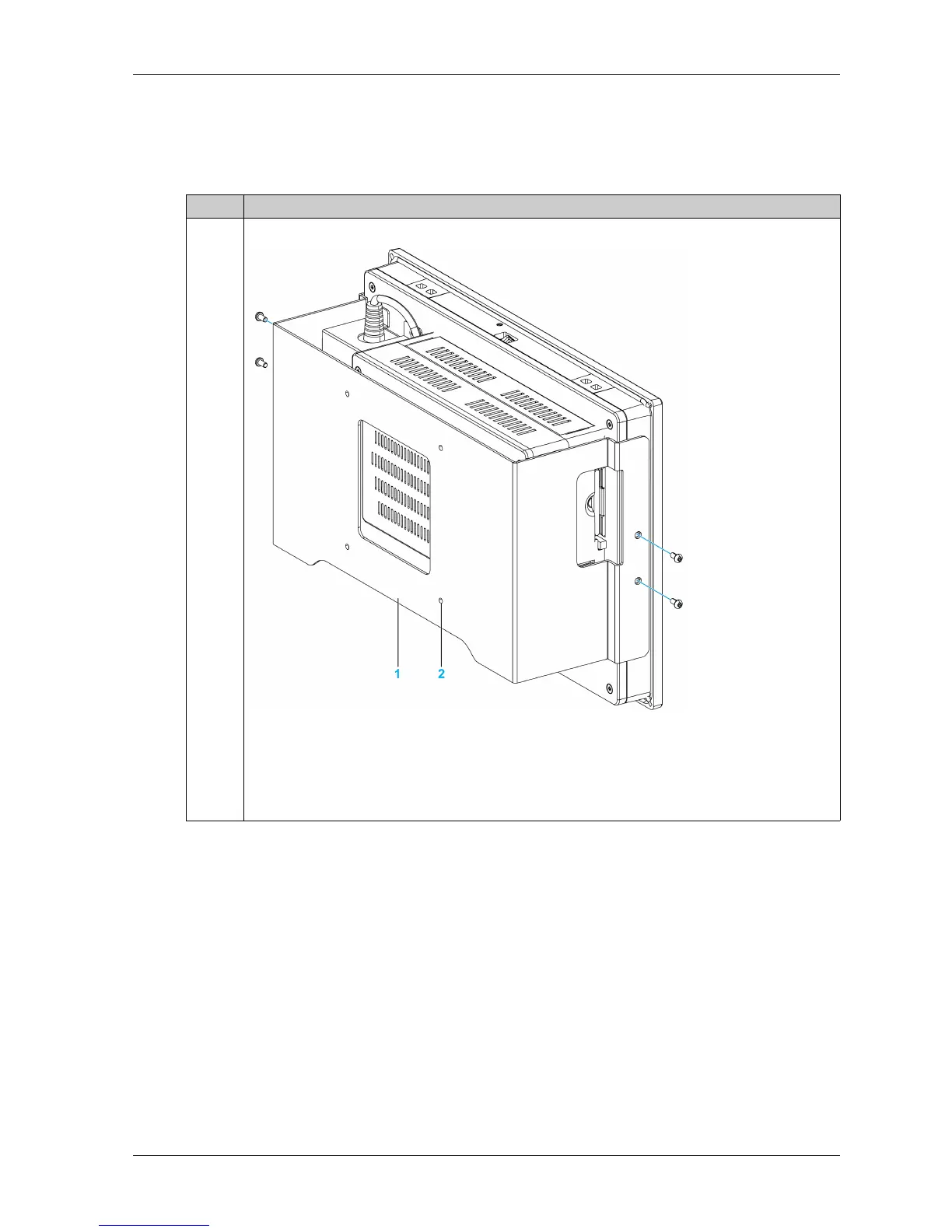
Installation of the VESA Mounting Kit
Follow these steps when installing the VESA (video electronics standards association) mounting
kit:
Step Action
1 Fasten the VESA mounting kit on the rear side of the Slim Panel:
1 VESA plate position (size 100 x 100 mm)
2 4 x VESA mount screws for attachment
Note:
PFXZPSADVS102: VESA mounting kit for W10” Multi-touch
PFXZPSADVS152: VESA mounting kit for W15” Multi-touch



 To Next Page