All Info Copyright © Pro Spot International Inc.
4 - Operation
Page 14
i5
4.2.3 i5 Touch Screen Control
Weld
Time
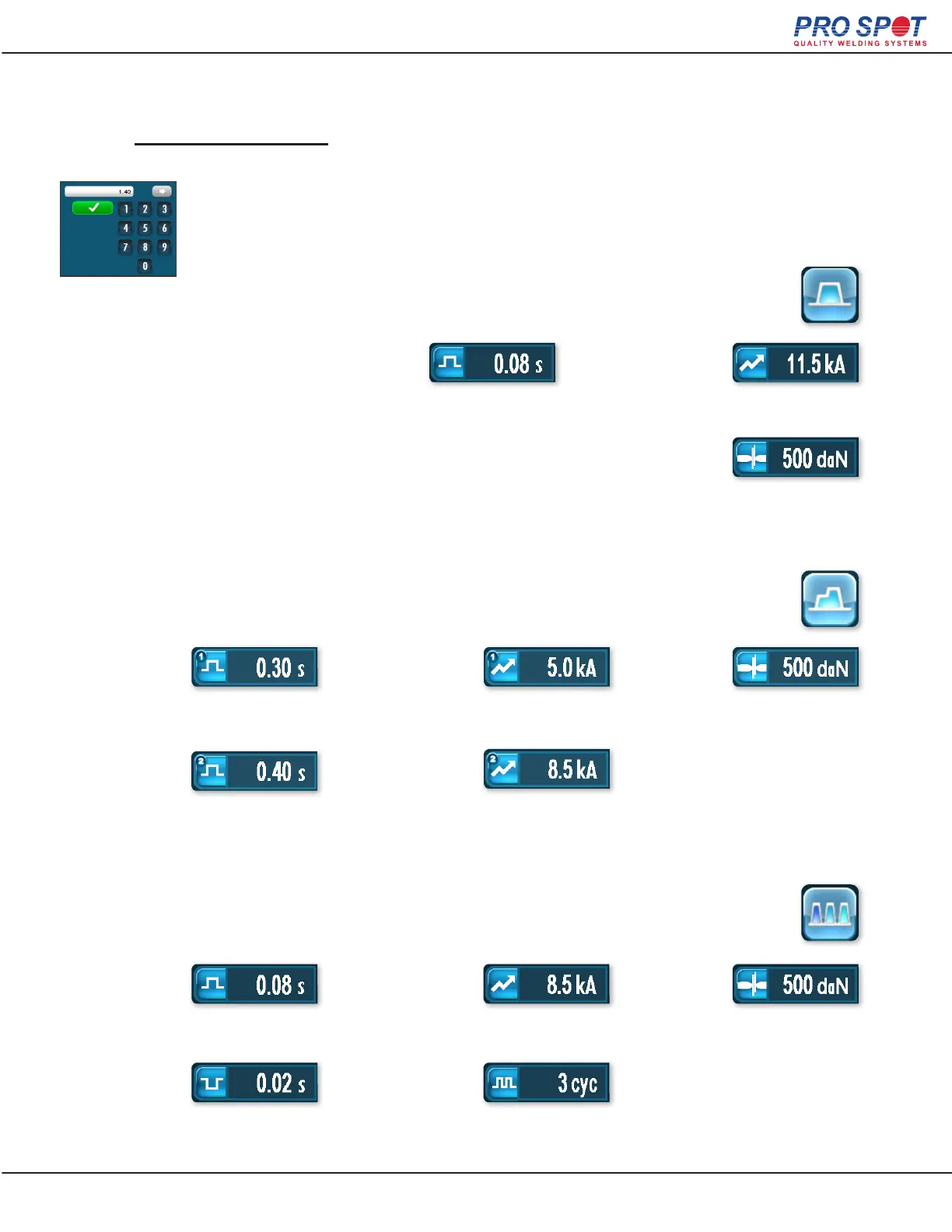
Amount of time current is applied
during the weld.
How much current is applied
during the weld.
How much pressure is applied
during the weld.
How much pressure is applied
to the weld.
How much current is applied to
the rst pulse.
How much current is applied to
the second pulse.
How much pressure is applied
during the weld.
How much current is applied
during each pulse.
Number of pulses that are applied
(between 3 and 9)
Amount of time applied to the
rst pulse.
Amount of time applied to the
second pulse.
Amount of time each pulse
is applied.
Amount of time between
each pulse.
Weld
Time (2)
Pulse Off
Delay
Weld
Time (1)
Pulse On
Time
Weld
Current
Weld
Force
Weld
Force
Weld
Force
Weld
Current (1)
Weld
Current
Weld
Current (2)
Pulse
Count
If you selected “Single Weld” you are presented
with these options.
If you selected “Double Weld” you are presented
with these options.
If you selected “Pulse Weld” you are presented
with these options.
2. Choose Your Settings
Set the desired parameters by selecting each one to be edited and
modify using the keypad that opens.
28



 To Next Page