Blood Glucose Monitoring System - User’s Manual
Diagnostic Devices, Inc www.prodigymeter.com 1.800.243.2636
36
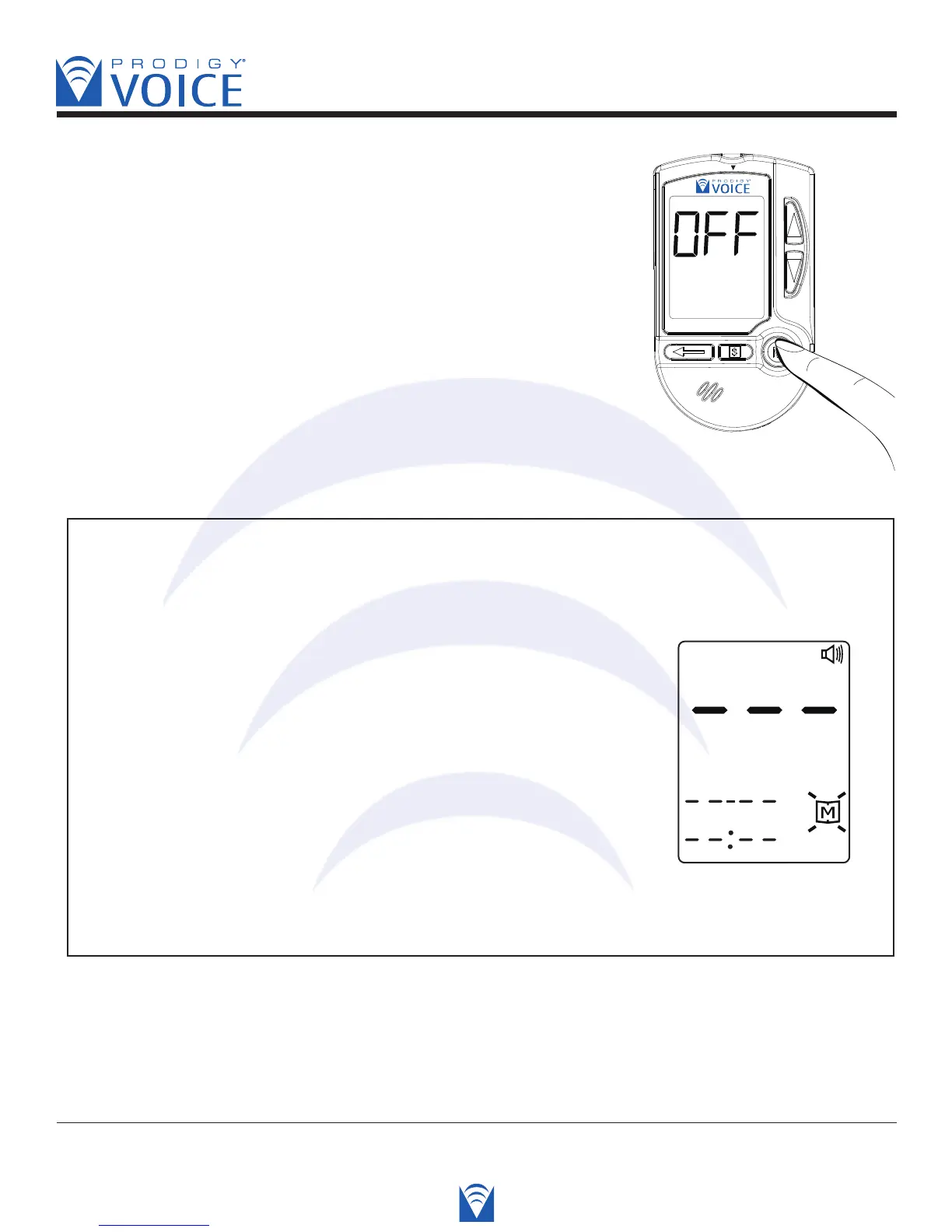
STEP 3. Exit the memory mode, press and hold down the “M”
button, and the meter will turn off.
Voice SPEAKS: “Have a nice day.”
NOTE
• The control solution results are NOT stored in the memory (please turn to page 22-23
for WARNING information). The list of past results and the result average are for blood
glucose results only.
• When using the meter for the first time, “—-” is
displayed when you recall the test results or review
the average result. It means that there is no test
result in memory.
Voice SPEAKS: “No memory record available.”
• Any time you want to exit the memory mode, keep pressing the M button for 5 seconds
or leave it without any action for 3 minutes. The meter will turn off automatically.



 To Next Page