23
MenusinDetail
GLOBAL MEM.
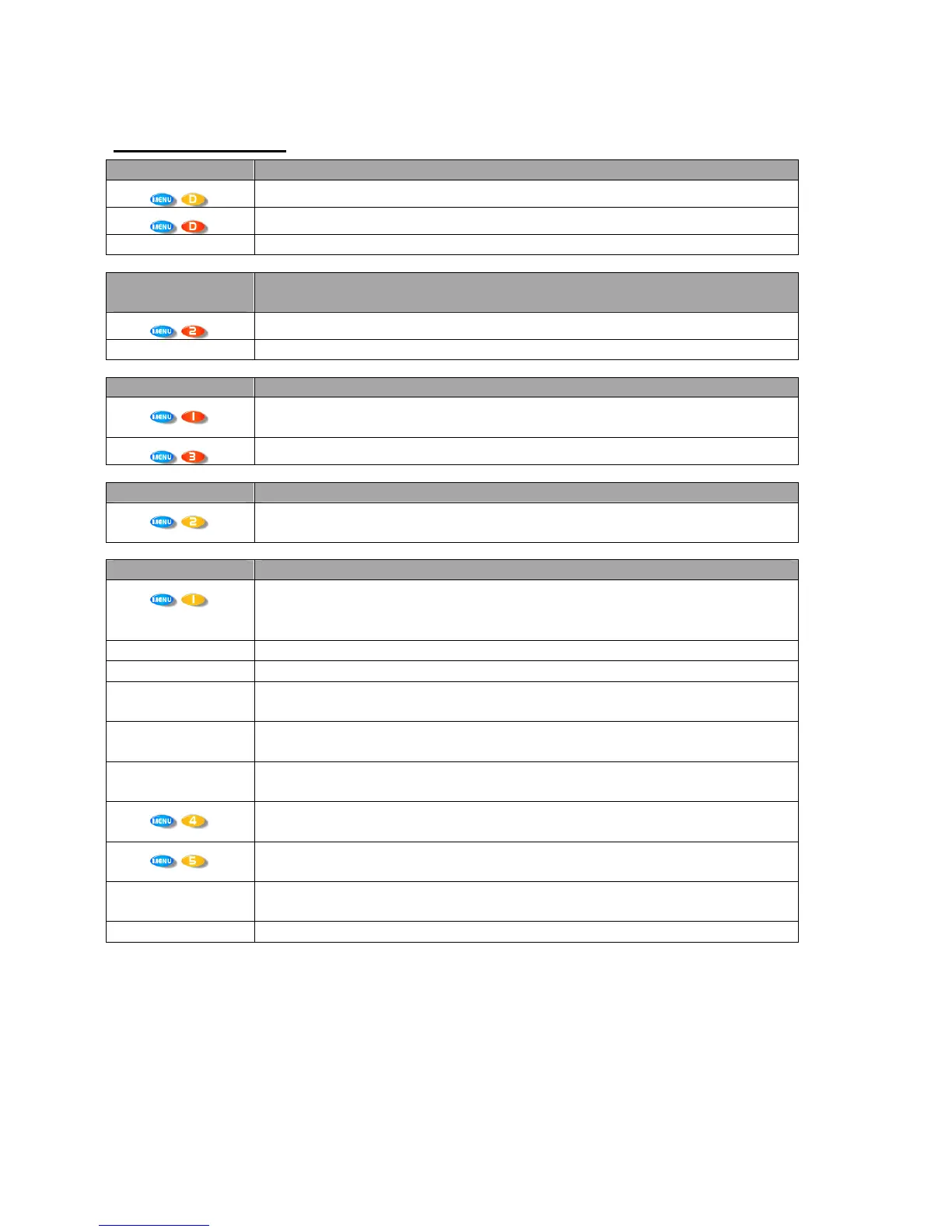
Recall a Memory
RecallInputandCrossoverMemoriesorcombinations of.
Store a Memory
StoreInputandCrossoverMemoriesorcombinationsof.
Erase a Memory
EraseInputandCrossoverMemoriesorcombinationsof.
INPUT
SECTION
Input Ganging
Gang(link)inputstogethersotheirparameterstrack.
Input Reset
Startwizardtoresetsectionsofinputparameters.
CROSSOVER
Design a Crossover
Setupanewcrossoverfromscratch.Thisselectionstartsawizardtoguide
throughtheprocess.Alsoselectthistoaltertheset‐upofthecurrentcrossover.
Crossover Ganging
Gang(link)outputstogethersotheirparameterstrack.
INTERFACE
External Interface
Startsawizardtoconfigurethebaudrate,IDandportselectionoftheremote
interface.
SYSTEM
System Status
Displaysaseriesofinformationscreensincludingsoftwareversion,
temperature,hardwareandfirmwareversions,dateandtime.PressNEXTto
jumpthroughinfo.
LCD Contrast
Adjusttheviewingangleofthescreen.
LED Brightness
AdjustthebrightnessofallthemetersandbuttonLEDs.
Temperature Alarm
Setthethresholdfortheunittoflashawarningtemperaturemessageonthe
screen.
Wake-up Time
Adjustthetimebeforetheaudiofadesinonstart‐up–canalsobesettokeep
mutesonwhenpoweredup.
Output Meters Opt’n
Selectthemonitoringpointforthemeters–eitherpreorpostmute(someters
canbesettoworkevenwhenoutputsmuted)
Filter Q/Bandwidth
Selectthereadoutunitsforthe‘Q’settingofparametricfilters–‘Q’is
1/Bandwidth(inoctaves)–small‘Q’valuesmeanwideresponsevariations.
Delay Time/Dist’nce
Selectthereadoutunitsforalldelayvalues–eithertime,ordistanceinfeetor
metres.
Clip LED Hold Time
SelectthetimethattheinputCLIPLEDsstayilluminatedforafteranoverload
haspassed.
Set Date & Time
Adjusttherealtimeclocksettings.



 To Next Page