PROLiNK® PEN1201 Wireless-N 300Mbps Range Extender II
Page 23
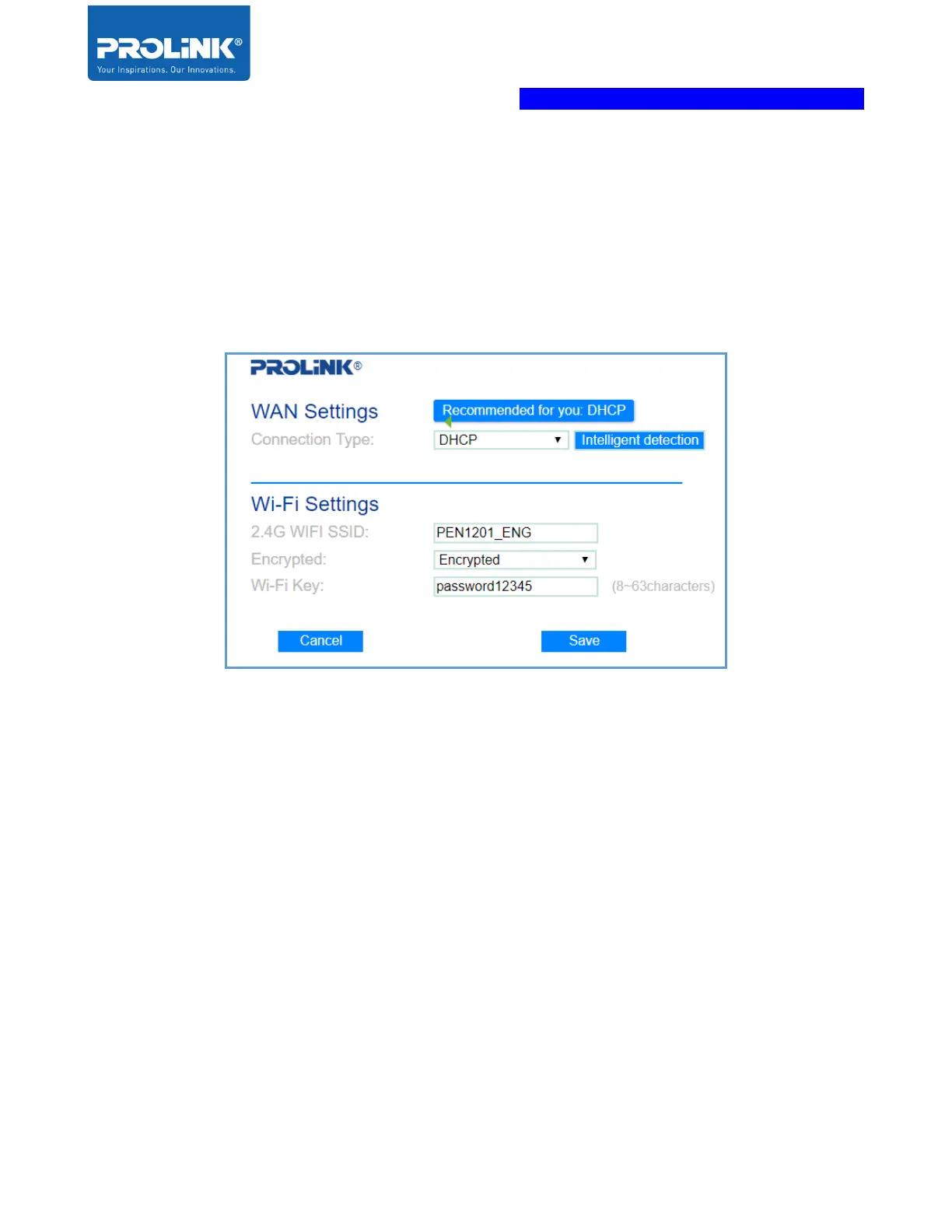
2. Connect Main/host network to WAN port. You may select “Intelligent Detection” for
auto ISP connection detection, alternatively you can choose your preferred Connection
Type. The available option is DHCP, PPPoE and Static IP Address.
Note: Please do remember to set your preferred 2.4GHz Wi-Fi SSID and Wi-Fi
Password under Wi-Fi Settings before clicking Save to proceed.



 To Next Page