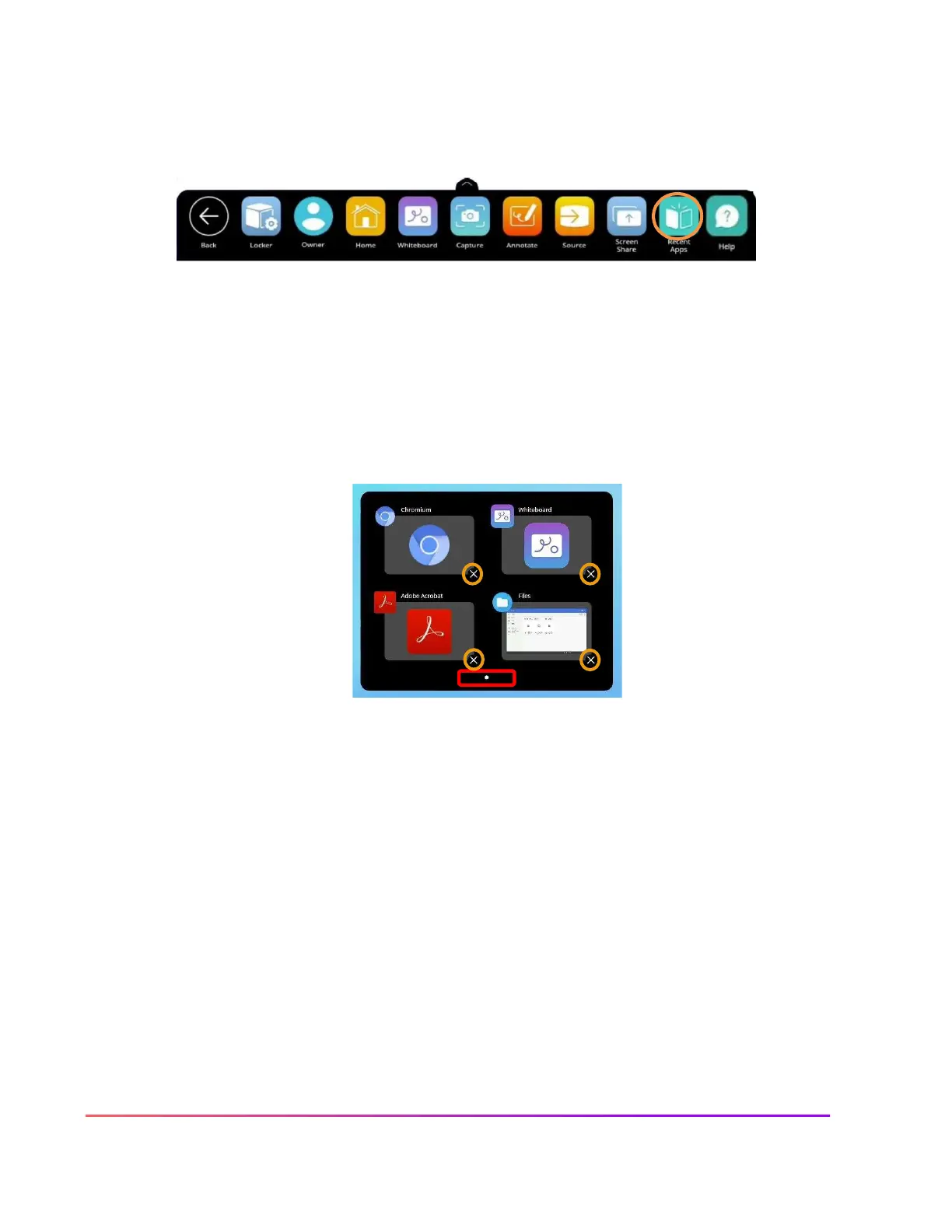
Recent Apps
The Recent Apps button within the Locker allows you to easily toggle between various apps on your
ActivPanel. To access Recent Apps, select the Unified Menu, then tap Recent Apps.
This displays all of your recently opened applications, including apps from connected devices such as an
ActivConnect OPS-G.
Depending on how many apps you currently have open, there may be multiple pages, denoted by small white
dots at the bottom of the Recent Apps window. Swipe to the right or left to navigate between pages.
To return to any of these open apps, simply select the app.
To close apps, much like you do on your smart phone, simply tap the little
x
to the bottom right of an app.













 To Next Page