Locating Apps
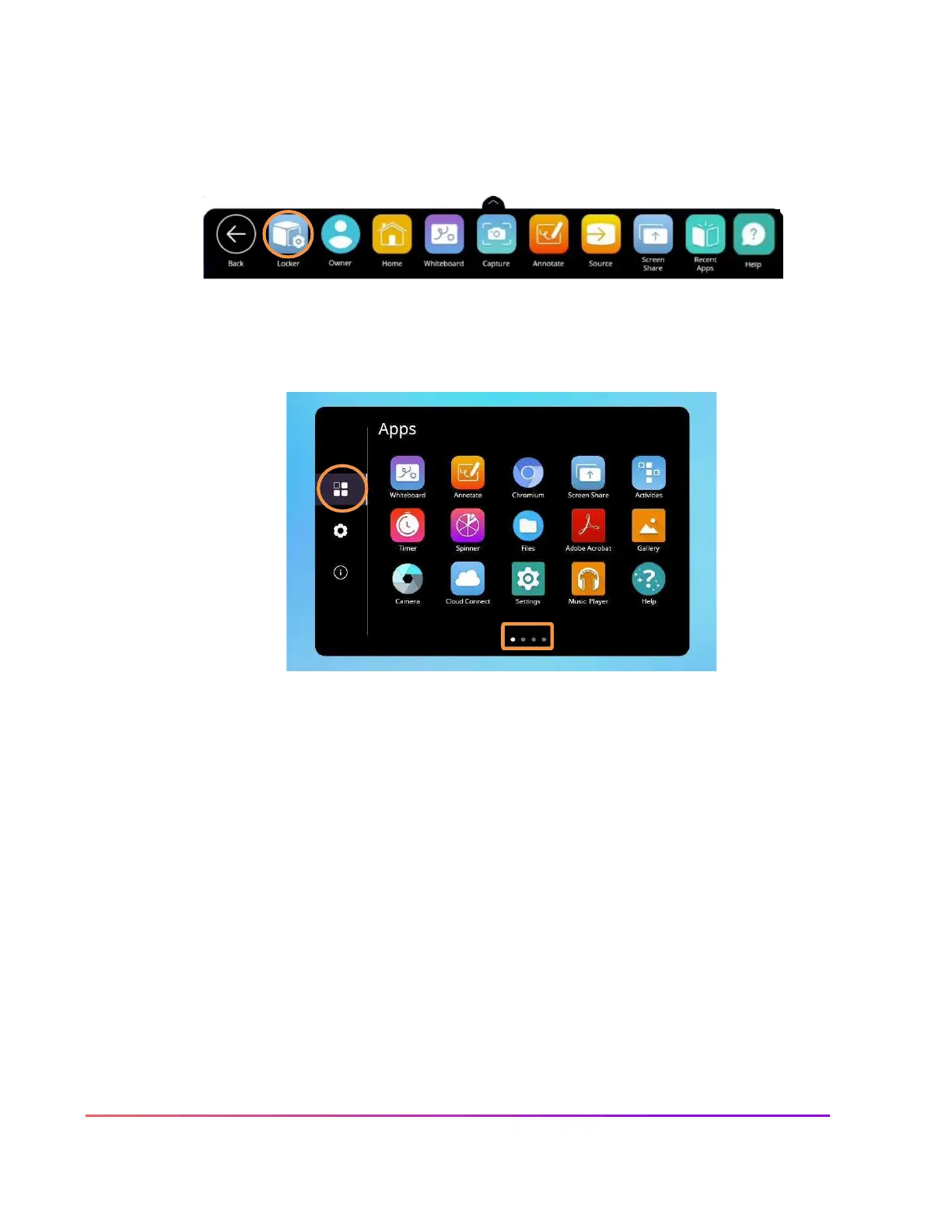
The Locker houses all your apps, including those from connected devices such as a Promethean Chromebox
or ActivConnect OPS-G.
To locate apps, access the Unified Menu and tap Locker.
The Locker will automatically open to the Apps tab, but you also can access it by tapping the cube icon to
access Apps.
Depending on the number of apps you have installed, there may be more than one page. Pages are denoted
by small white dots at the bottom of the Locker window. Swipe right or left to navigate between these
pages.













 To Next Page