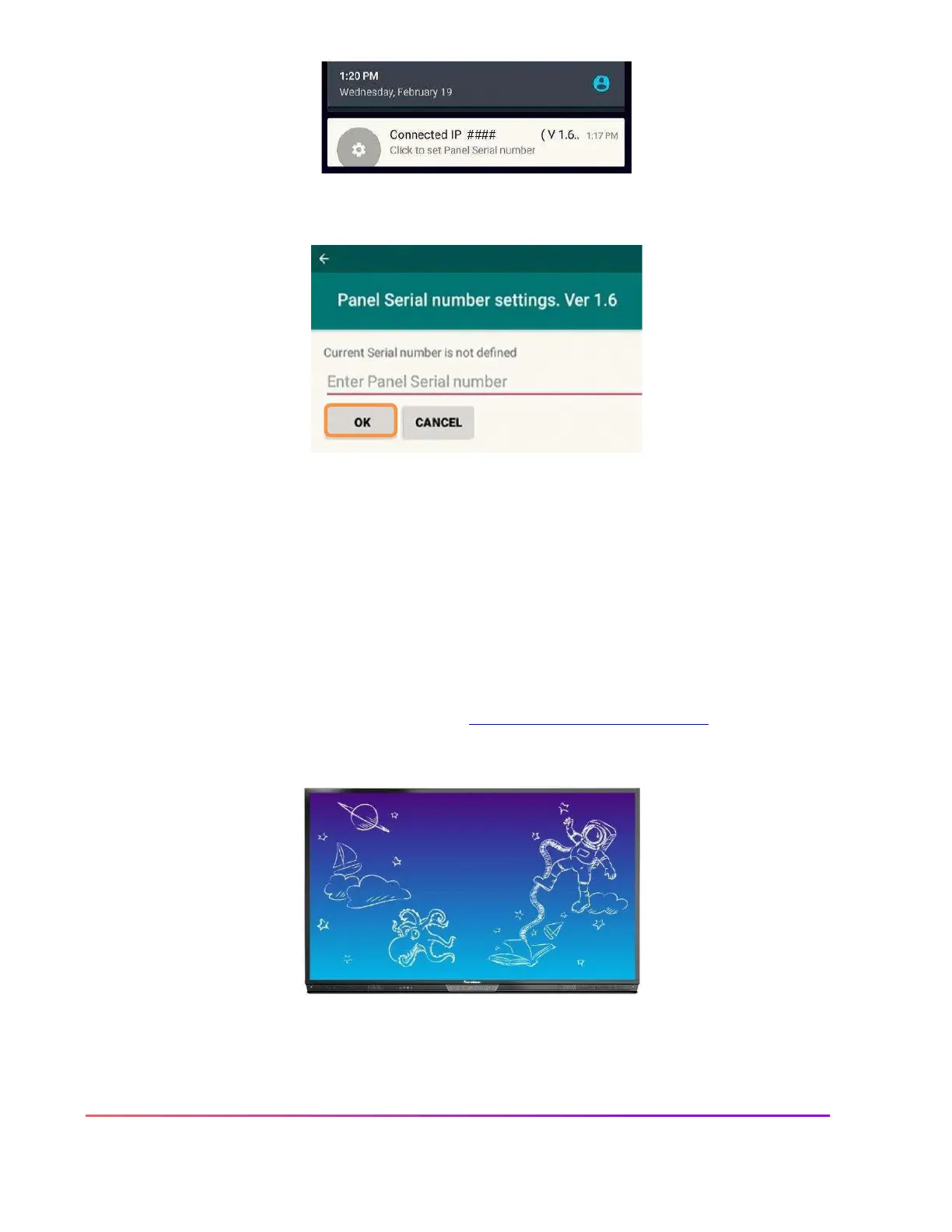
Enter the ActivPanel's serial number and tap OK. The serial number is not case sensitive.
The ActivConnect OPS-G screen will update. The app bubbles and the pink menu button on the home page
will disappear.
You can confirm that the integration is complete by swiping down from the top of the screen and the
notification will now read "Connected IP..."
From now on, all apps installed on the OPS-G can now be found within the Locker for easy access. For
more information or to receive assistance, please visit support.prometheanworld.com.













 To Next Page