4. Using the arrow keys enter your password and then press
the
[ENTER]
key
ð
You can now see the configuration menu of the A module
[OPTION]
5. Select the desired file card
[Circ.]
using the horizontal arrow
keys and then press the
[ENTER]
key
ð
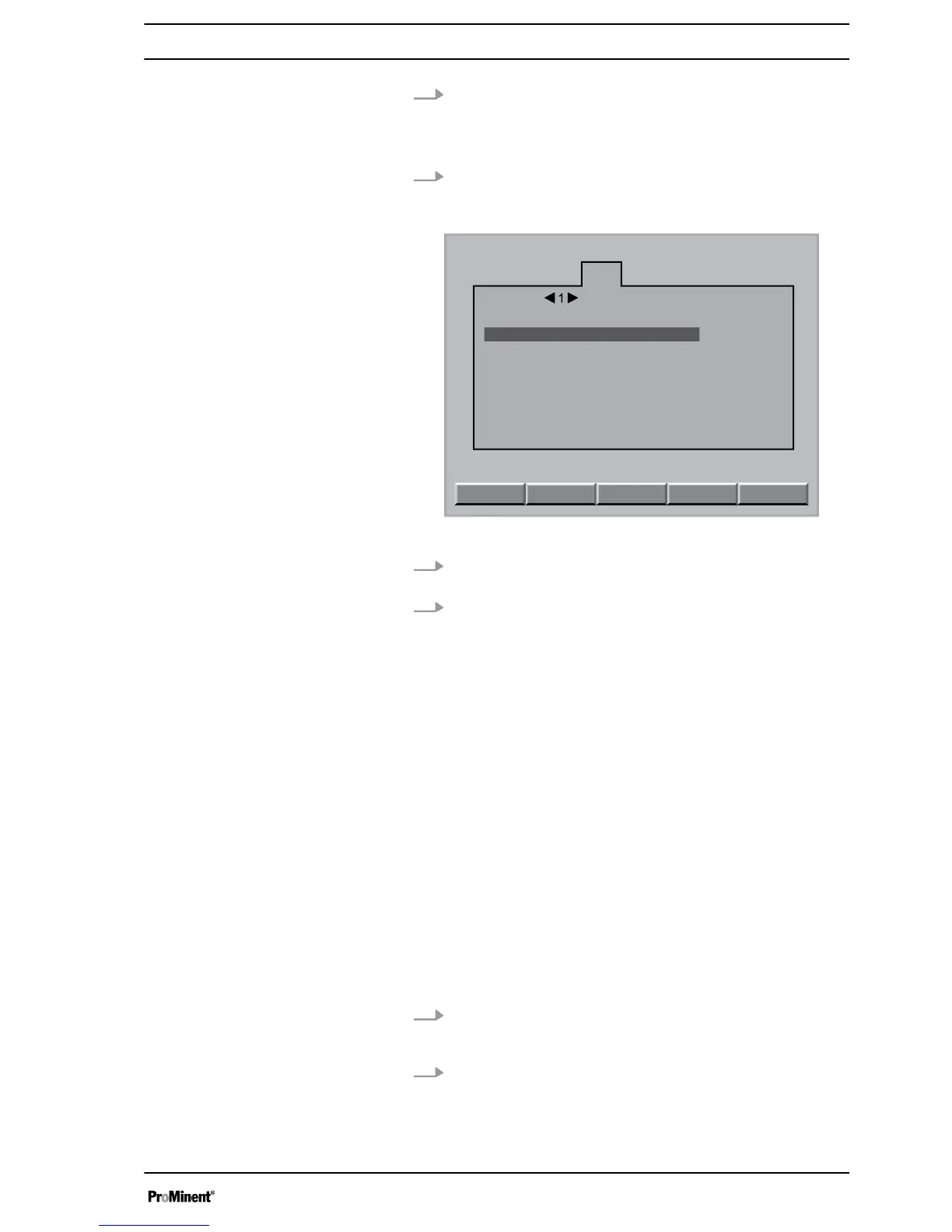
You can now see the file card
[Circ.]
A1105
Circ.
Timer
INFO
Timer 1 - 6 for : Circ 1 and Backwash 1
Timer 1 - 12 for : Circ 2 and Backwash 2
Interval : Mo.
Start time : 2 : 00 s
Reduction time : 0 s
Backwash time : 120 s=2min
Timer type : Backwash 1
CLEAR
SAVE
Fig. 6: A1105
6. Using the horizontal arrow keys, you can now select the
desired timer (1 ... 12)
7. Using the vertical arrow keys, you can now select the desired
parameters dependent on the selected [Timer Type] and
select with the [- key]:
n
[Interval]
l
– Each weekday
– free
– Mo. - Fr.
– Sa. - Su.
– Mo. - Su.
n
[Timer type]
– free
– Circulation 1 or 2
– Backwashing 1 or 2
n
[Start time]
– 0 ... 24
n
[Stop time]
– 0 ... 24
n
[Reduction time]
– 0 ... 50
n
[Backwashing time]
– 0 ... 480 seconds in a total of 33 steps
8. Using the
[F4]
[Delete]
key your can delete all entries
[Status = free]
or using the
[F5]
[Save]
key you can save the
entries in the controller Save =
[Record parameters!!!]
9. Using the
[ESC]
key you can now jump back into the menu
display up to the
[Continuous display]
Timer settings
13















 To Next Page