2 Circulation quantity allocation
The following circulation operating points are specified under this
menu item.
The setting options in this menu item include:
n Normal mode
n Backwashing
n
[ECO min]
circulation
For an efficient and ecological operation you must match the data
of the circulating pump to the analog signal.
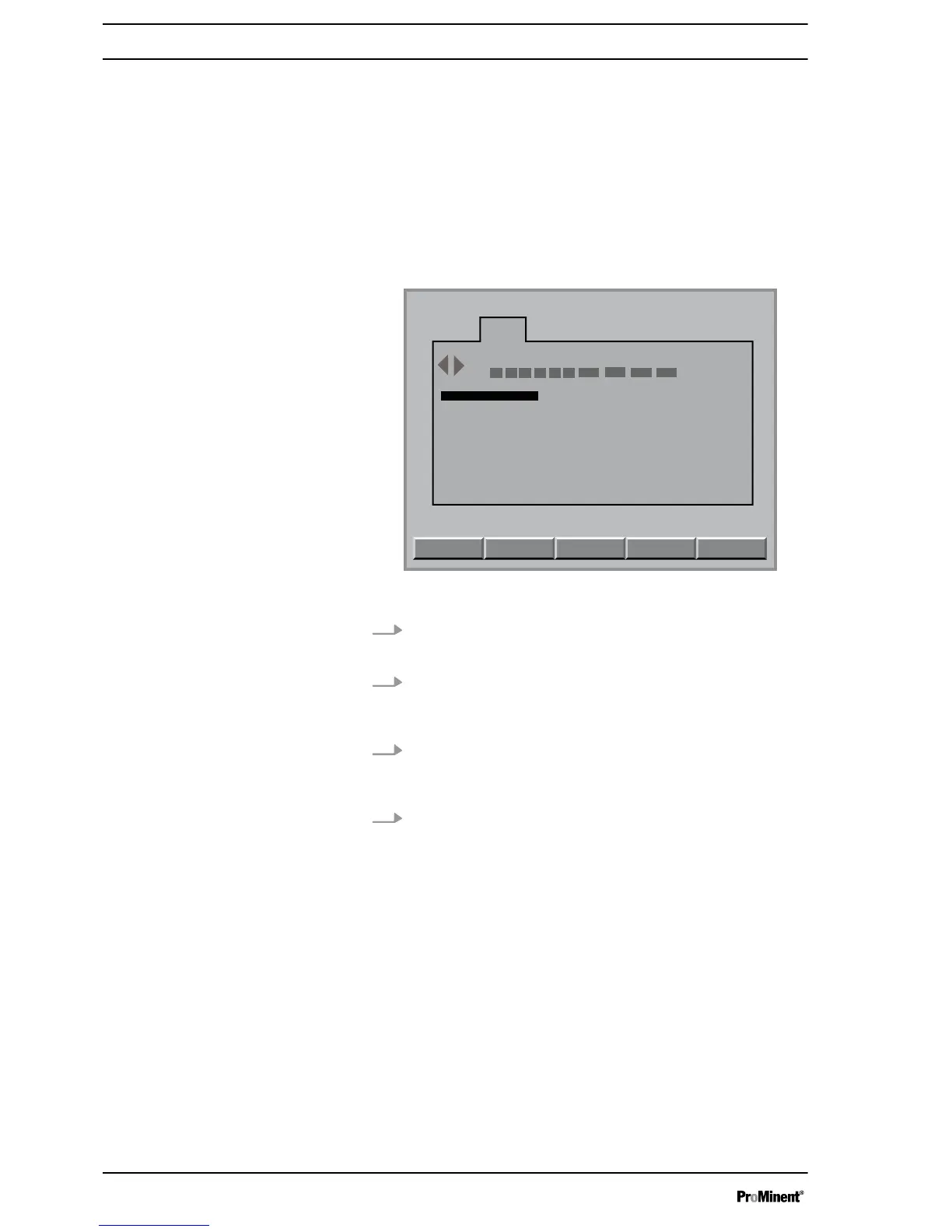
Fig. 2: Configuring module DXMaA (configuration menu)
1. In the
[continuous display]
press the
[ENTER]
key
ð
You can now see the
[Central menu item]
.
2. In the
[Central menu item]
display press the
[F4]
[CONFIG]
key
ð
The configuration menu is now displayed.
3. Using the horizontal arrow keys, select the
[A]
tab and then
press the
[ENTER]
key
ð
You must now enter your password.
4. Using the arrow keys enter your password and then press
the
[ENTER]
key
ð
The configuration menu for your A module is now dis‐
played.
Configuring module DXMaA
Circulation quantity allocation
6















 To Next Page