Forallenquiriespleasevisitwww.proroute.co.uk
3.8DDNSnotworking
1)PleaseconfirmtheDDNSconfigurationiscorrect.
2)CheckiftherouterisonlineandgetIP,andcanvisitinternet .
3)CheckiftheWANIPfromsimcard(showsinthestatuspageoncetherouterisonline)isa
publicIPor
privacyIP,privacyIPwillmakeDDNSnowork.
3.9CannotConnectRouterviaRJ45LAN
1)PleasecheckifEthernetcableiscorrectlyconnected.
2)DoublecheckPCnetworkcardIPiscorrectconfigured.PleaserefertoChapter3.2
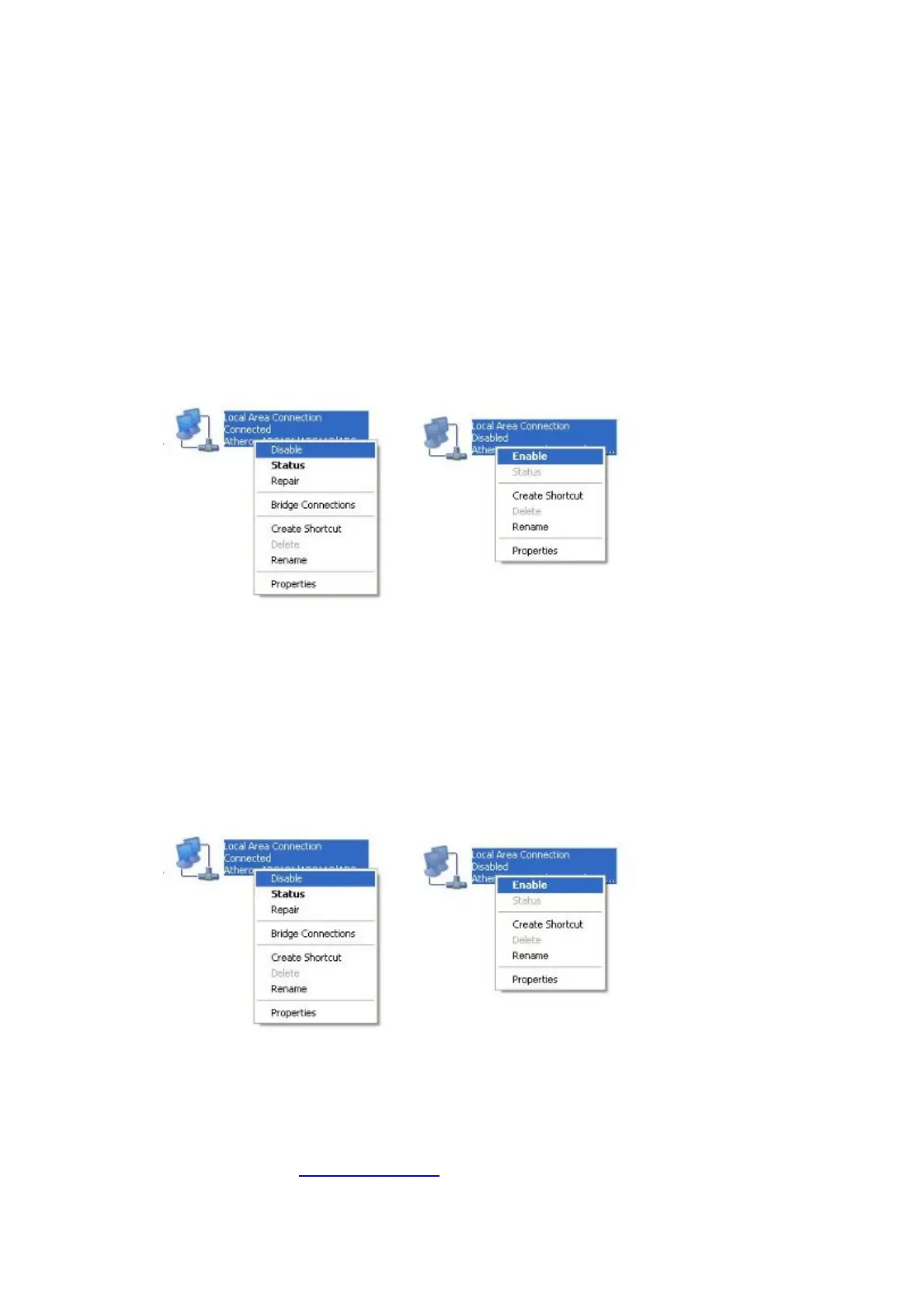
3)TrytodisablethePCnetworkcard,andre‐
enableit.
4)ResettheProrouteH685.Poweronrouter,keeppress“RST”buttonuntil12seconds,and
thenreleaseit.ProrouteH685willautomaticallyloaddefault.
3.10CannotConnectProroute’sWiFi
1)Doublecheckifthedevice’sWiFiswitchison.
2)DoublecheckifthePROROUTE’sWiFiis
on.
3)DoublecheckDevice’swirelessnetworkcardIPiscorrectconfigured.PleaserefertoChapter
3.2
4)TrytodisabletheDevice’snetworkcard,andre‐enableit.
5)ResettheProrouteH685.Poweronrouter,keeppress“RST”buttonuntil12seconds,and
thenreleaseit.ProrouteH685
willautomaticallyloaddefault.
3.11CanConnectPROROUTEWiFiviaManualIPbutcannotviaDHCP


 To Next Page