Forallenquiriespleasevisitwww.proroute.co.uk
Step3)IftheissueisstillexistedafterStep1)andStep2),pleasecontactoursalesforreturnto
checkorrepair.
3.19PPTPison,butcannotbethroughtoPPTPServer
Issueandphenomenon:inwebstatuspage,thePPTPshows“on”,buttry
topingPPTPServer,
cannotgetthrough.
Solution:
1) try to checkifthePPTPStatuskeep“on”inwebstatuspage.Ifsometimes“on”,andsometimes
“down”,pleasecheckthePPTPconfigurationiscorrect.
2) CheckifthePPTPServerassignedremoteLANwithProroute’sLANIPnetworkrange.
PROROUTE
defaultLANIPis192.168.8.1,andsubmaskis255.255.255.0.Sometimestheusersforgettoassign
remoteLANIP192.168.8.1forPPTPVPNServer.
IfthePPTPVPNServer’sremoteLANIPis192.168.1.0 /24or192.168.0.0/24,andcannotbe
changed,pleasechangePROROUTELANIPfrom192.168.8.1to192.168.1.1or192.168.0.1,
also
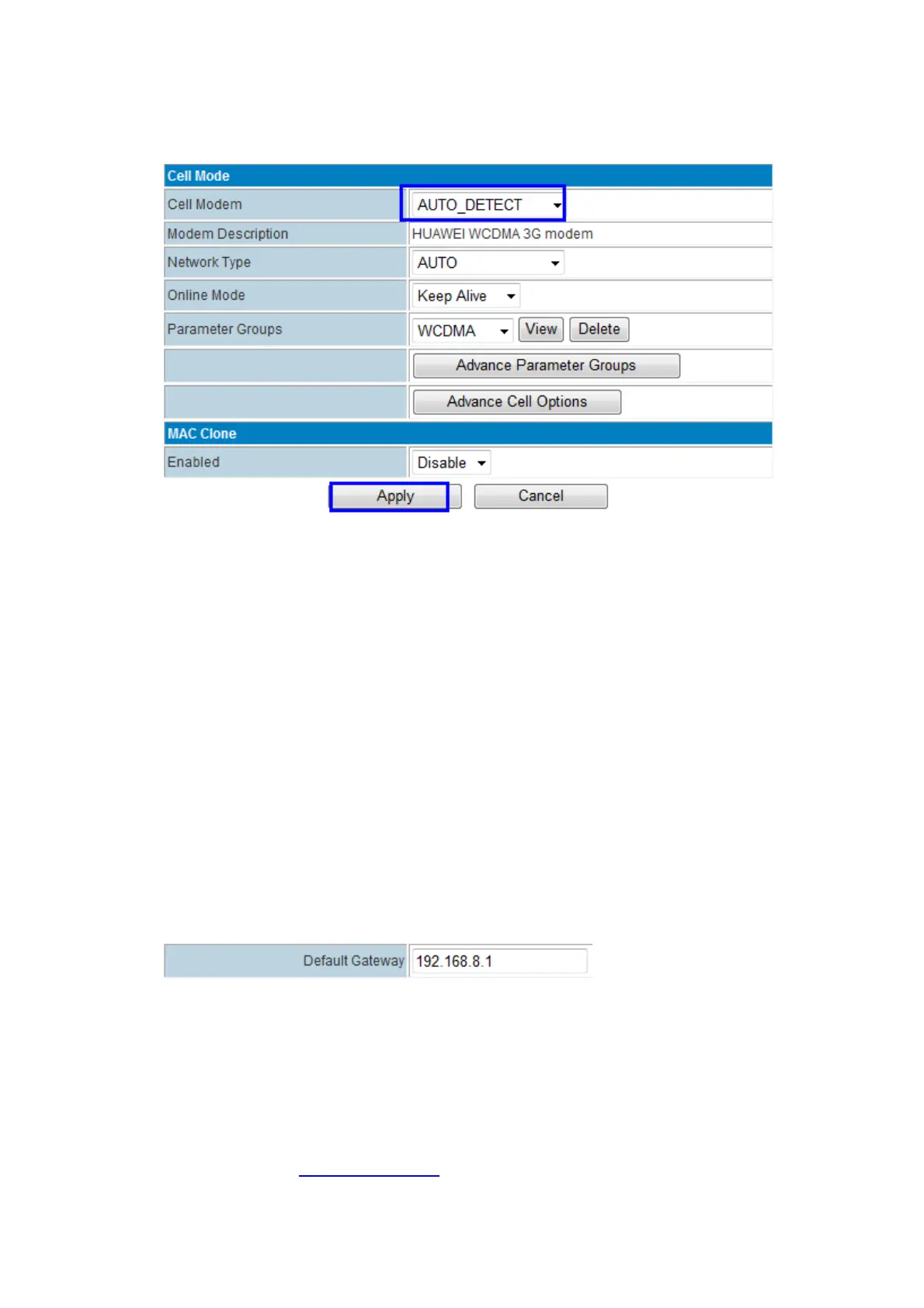
donotforgettomanuallychangethePROROUTEDefaultGatewayto192.168.1.1or192.168.0.1
meanwhile.
3)withthefollowingsteps,normallyitcansolvetheissue.Otherwise,pleasecontactE‐Lins
SalesorSuppo rt.



 To Next Page