Prepare wires based on the following table:
* NOTE 1: It is recommended to use suitable wire in above table or thicker for safety and efficiency.
* NOTE 2: The selections for color of wires should be followed by the local electrical laws and
regulations.
STEP 1: EXTERNAL BATTERY CONNECTION
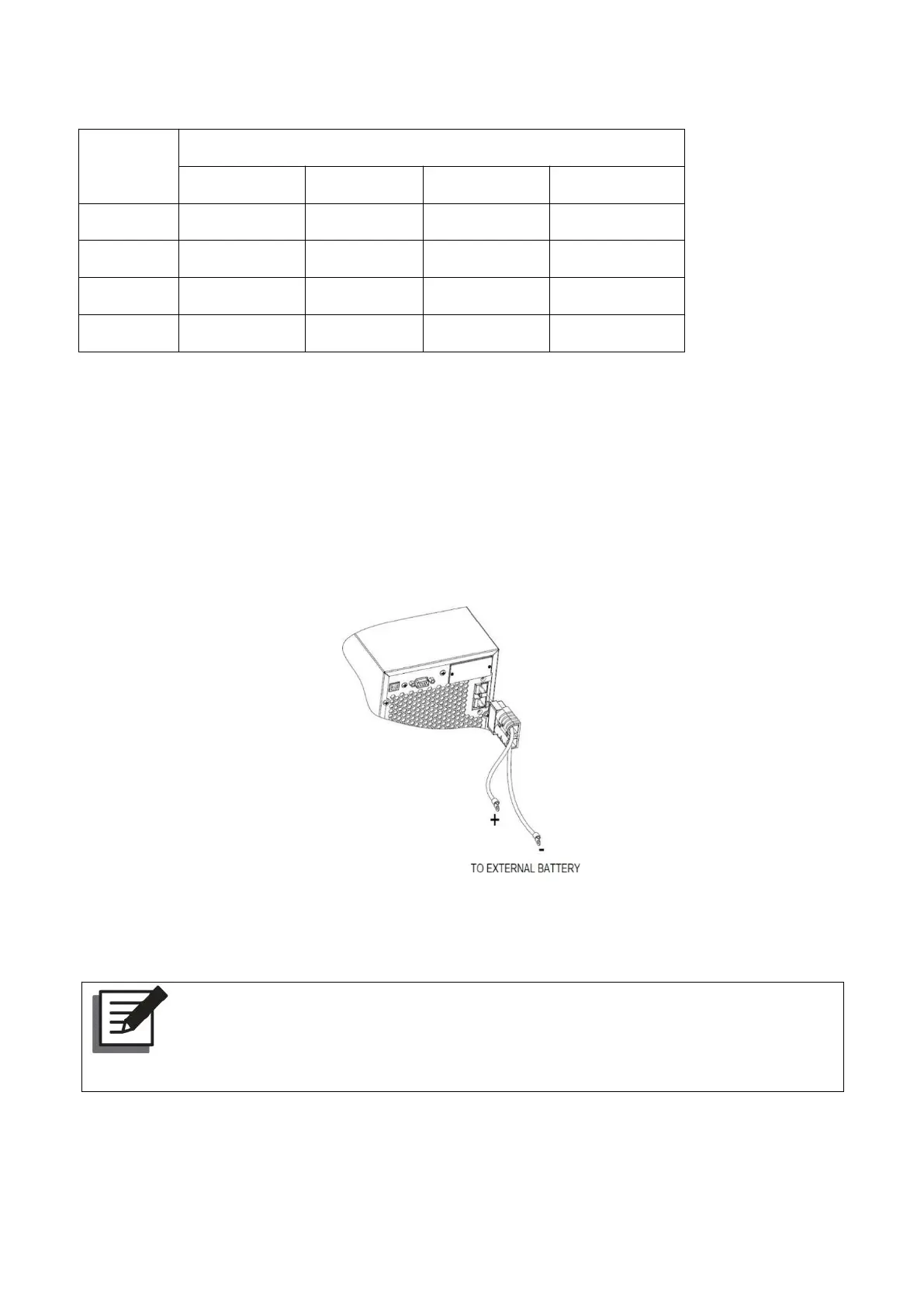
If UPS is long-run model, please connect external batteries as below chart.
Tower type UPS external battery connection
Rack mount UPS external battery pack connection
Note:
Before connecting the external battery pack (optional) to the UPS, check whether the
rating voltage of the battery pack is suitable for the UPS.
(1) Set the battery pack’s DC breaker to the OFF position.
(2) Remove the cover of the external battery pack connector located on the rear side of the UPS.



 To Next Page