8
Resistance Meter Pushbuttons
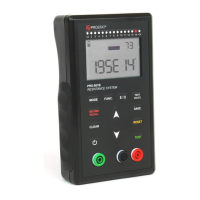
The resistance meter uses twelve (12) button switches to perform many functions:
Press and hold for 2 seconds (long press) to turn
the meter ON or OFF.
Selects the measuring mode between Auto,
Manual, Auto-Manual and Continuous.
Enters Settings for different functions.
Toggles between scientific (0.00E00) and ohmic
(0.00 Ω) measurements.
Press to select between less than 10 volts, 10
volts and 100 volts (in Manual Mode only)
Press to enter the memory bank of the meter.
Press again to display MIN, MAX and AVG.
Use to clear 1 or many measurements stored
into memory.
Press at the end of a stable measurement to save
into memory.
Stops and resets the meter during a
measurement.
Press to make a measurement.
Table 2. Resistance Meter Pushbuttons


 To Next Page