29
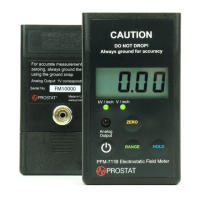
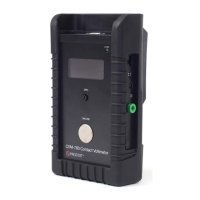
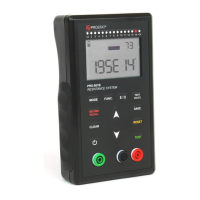
Table 15. Optional Accessories
08 TROUBLESHOOTING
If your product seems to have a problem, first review this list of possible problems and solutions. If
none of the troubleshooting tips apply, please visit www.prostatcorp.com and click Support or
contact a Prostat Authorized Calibration Laboratory.
To keep your product in optimum condition, we recommend having it verified and calibrated on an
annual basis by Prostat or an Authorized Calibration Laboratory.
The Resistance Meter will not turn on
If the battery level is less than 8%, the battery may be completely discharged. Using the provided USB
cable, plug the meter in and try to turn it on (refer to the Battery Pack section of this manual for more
information.)
If the meter doesn’t turn on even after charging it, a new battery pack may be needed. Contact
Prostat or your Authorized Reseller for ordering information.
Not able to save a measurement
If the meter isn’t successfully storing a measurement into memory, it is probably due to one of the
following reasons:
The memory of the meter is full. The memory limit is 999 for the PRS-801B and 120 for the
PRS-812B (see Table 9).
The measurement isn’t a stable measurement. A stable measurement is required for saving it
into memory. If isn’t displayed with the measurement, you will not be able to save it
(unless in CONTINIOUS mode).
The measurement displayed is either Ur or Or. Ur and Or measurements cannot be saved into
memory.
The display on the resistance meter is turned off while charging. How do I know if the meter is
charging?
When the meter is connected to a PC or wall charger, the battery will be charging even if the meter is
turned off. To see if the battery is charging, you can turn the meter ON at any time to view its status.


 To Next Page