N 93-531-79 ISSUE 1 NH Page 12 of 32 © Protec Fire Detection PLC 2012
8.0 Overview of 6100 Commissioning Software Environment
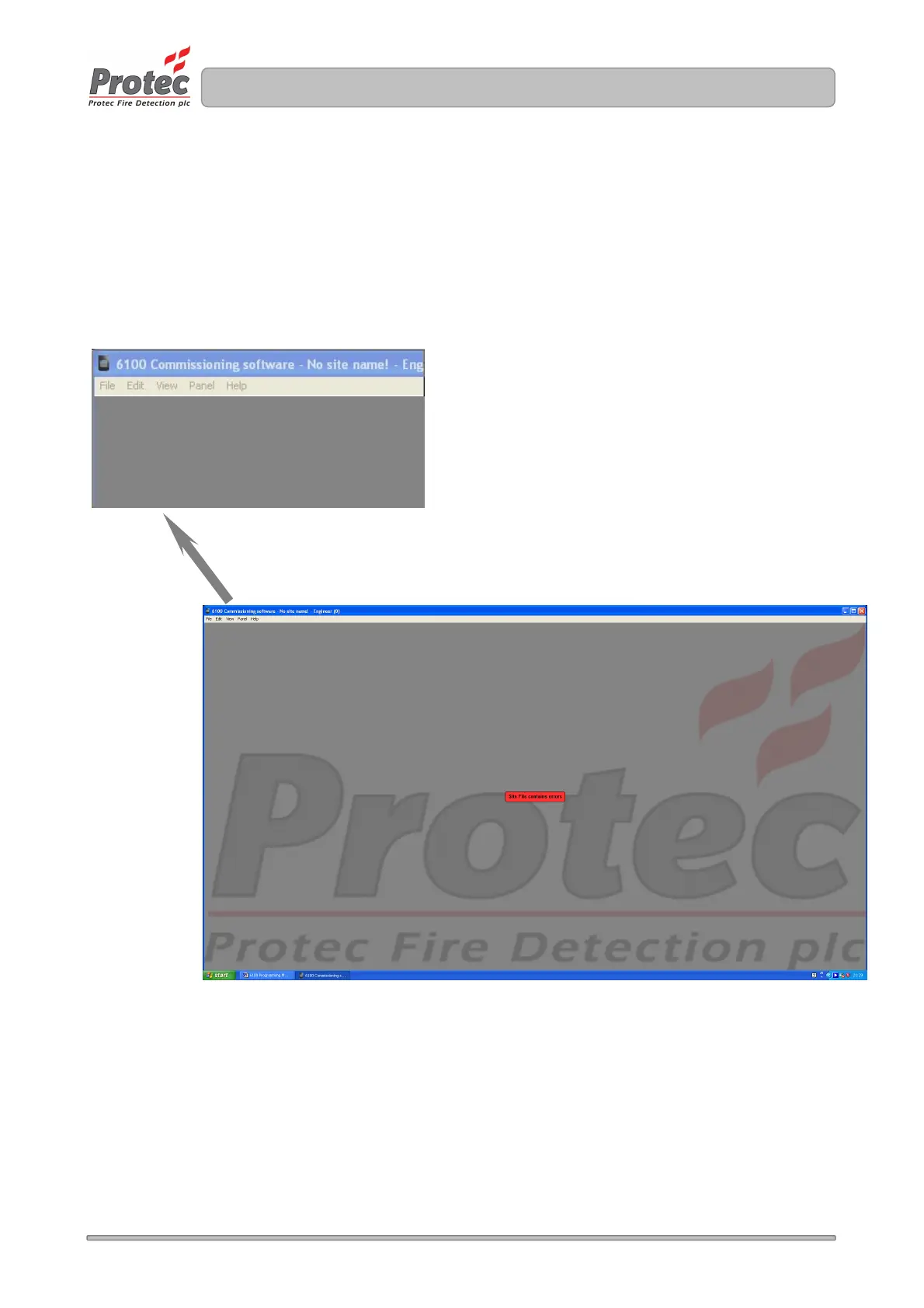
The 6100 commissioning environment consists of a main screen with several menu options located at the
top left corner. Selecting a menu option brings it to the main screen. Information entered in a menu option is
retained when swapping between menus.
To open the commissioning software double click on the 6100 icon ( usually present on the PC’s desktop ).
The main screen will open as illustrated in figure 8.0.
Figure 8.0 Main screen and sub options



 To Next Page