N 93-531-79 ISSUE 1 NH Page 24 of 32 © Protec Fire Detection PLC 2012
13.3 Programming the Fire Link Delay
In some situations it is advantageous to introduce a delay from when the 6100 detects a fire until the fire link
output is activated. The activation of the fire link output can be delayed by up to 10 minutes ( in 5 second
steps ).
If ‘silence’ is pressed during a fire link delay the fire link output will still activate when the delay
expires.
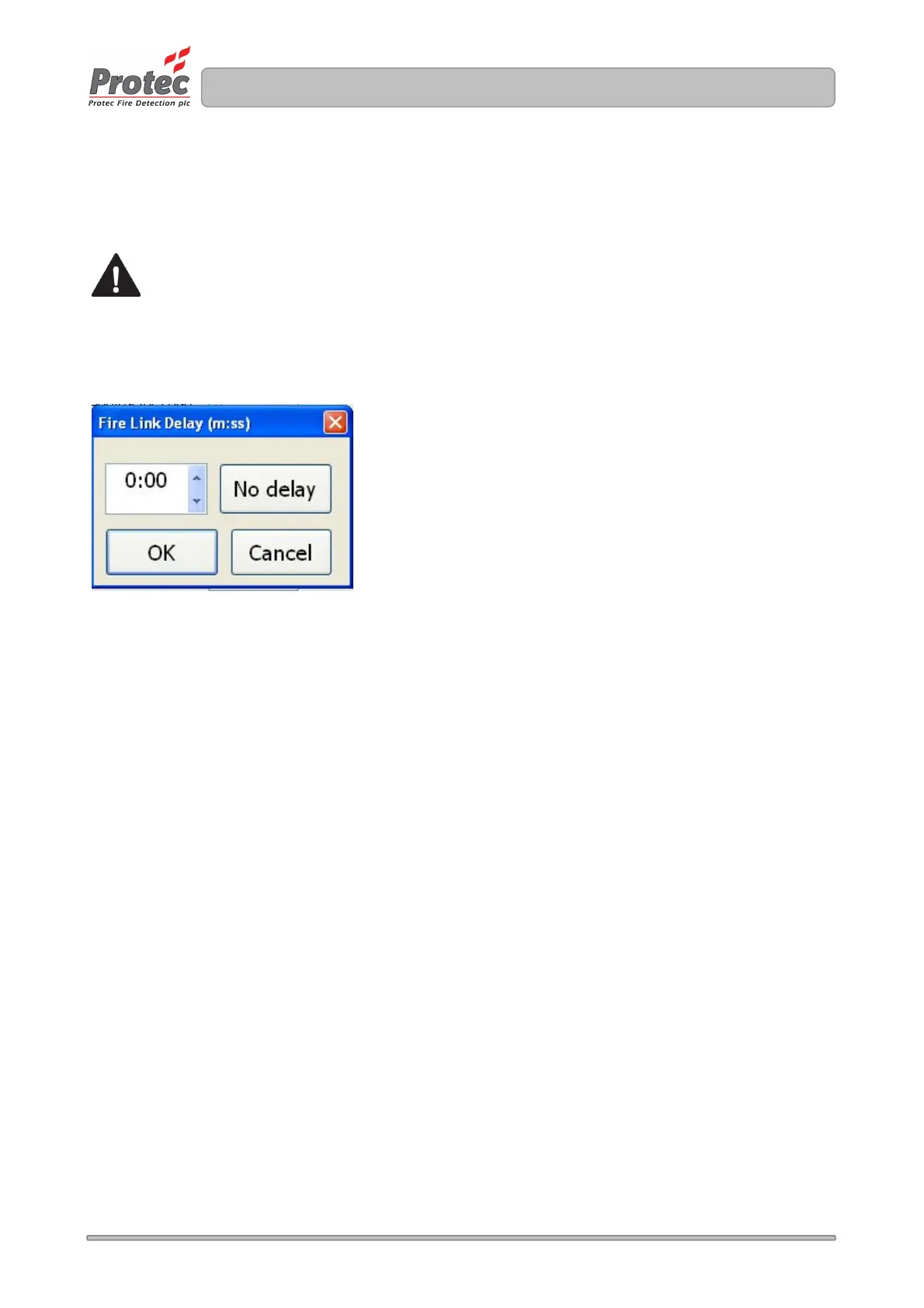
To setup a delay click in the Fire link delay box and enter the delay in minutes and seconds. Close the box
and save the delay by clicking on OK in the lower left of the box. See Figure 13.1.
Figure 13.1 Entry of Fire link delay time
13.4 Programming the Fire Link Search Time
The purpose of the fire link search time is to give authorised personnel in an occupied building time to search
for the cause of a fire and establish if it is a false alarm prior to the fire link being activated. Unoccupied
buildings will activate the fire link after the fire link delay time.
The fire link search delay time is added to the standard fire link delay time ( to a maximum of 10 minutes )
when the 6100 ‘Mute Buzzer’ button is pressed during a fire condition.
When this feature is used the standard fire link delay time is usually set to be no longer than 2 minutes, this
gives sufficient time to allow investigation into the cause of the activation before the fire link is activated. If
the cause of the fire is genuine then the fire link will activate after the time out. If the cause of the fire is a
false alarm, the 6100 can be reset without activating the fire link.
13.5 Programming a First Knock Fire Link Delay Time
The first knock fire link delay time programs the time delay from when a single coincidence input group
activates ( ‘first knock’ ) to when the Fire Link output is activated. This delay time is used, even if the
standard fire link delay time is shorter.
If appropriately programmed a second coincidence group activation will automatically cancel the fire link
delay ( and output group delays ) and immediately activate the fire link output.
13.6 Programming the Walk Test Timeout
The Walk test timeout sets the time from when the 6100 enters the fire condition to when it automatically
resets when in walk test mode.
The default timeout is set to 12 seconds, which is sufficient to reproduce the test message from Protec
talking sounders.



 To Next Page