N93-582-02 Issue 1 NH Page 12 of 28 © Protec Fire Detection plc 2015
9.0 Overview of Digilite® DL500 Configuration Tool Environment
9.1 Opening the Digilite® DL500 Configuration Tool
Navigate to the Digilite® DL500 Configuration Tool icon (usually located on the desktop of the PC being
used) and double click on it. See figure 9.0
Figure 9.0
9.2 Licence Agreement
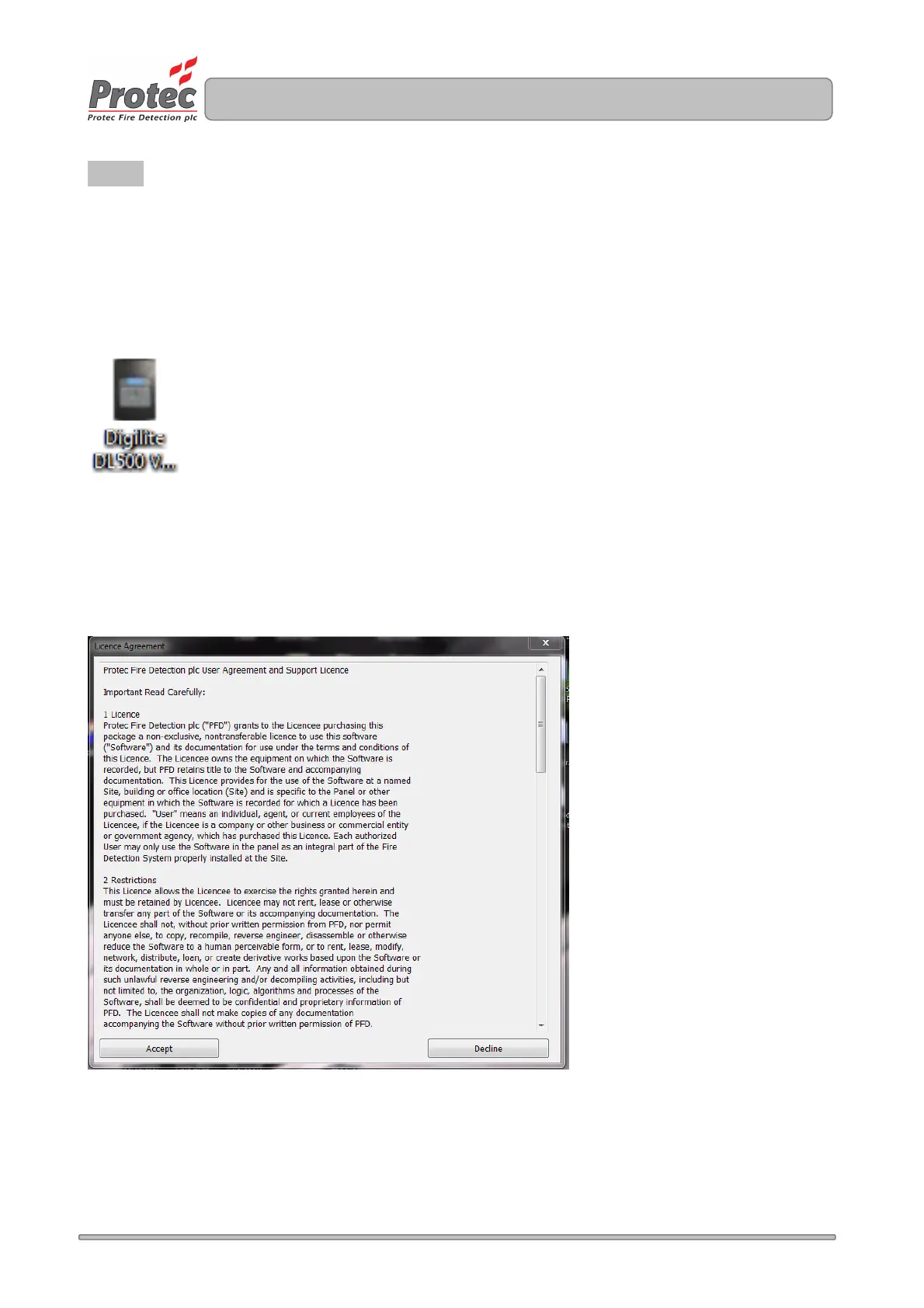
The program will prompt for the user to agree to the licensing agreement. Click 'Accept' to agree to the
licence and use the program. Otherwise click 'Decline' to exit and decline use of the program.
Figure 9.2



 To Next Page