N93-582-02 Issue 1 NH Page 20 of 28 © Protec Fire Detection plc 2015
12.4 Programming the Functional Test Time
The time duration, in hours and minutes, which a functional test takes is programmable. The default time is 5
minutes, but may be programmed between 00:00:00 and 04:00:00 as required.
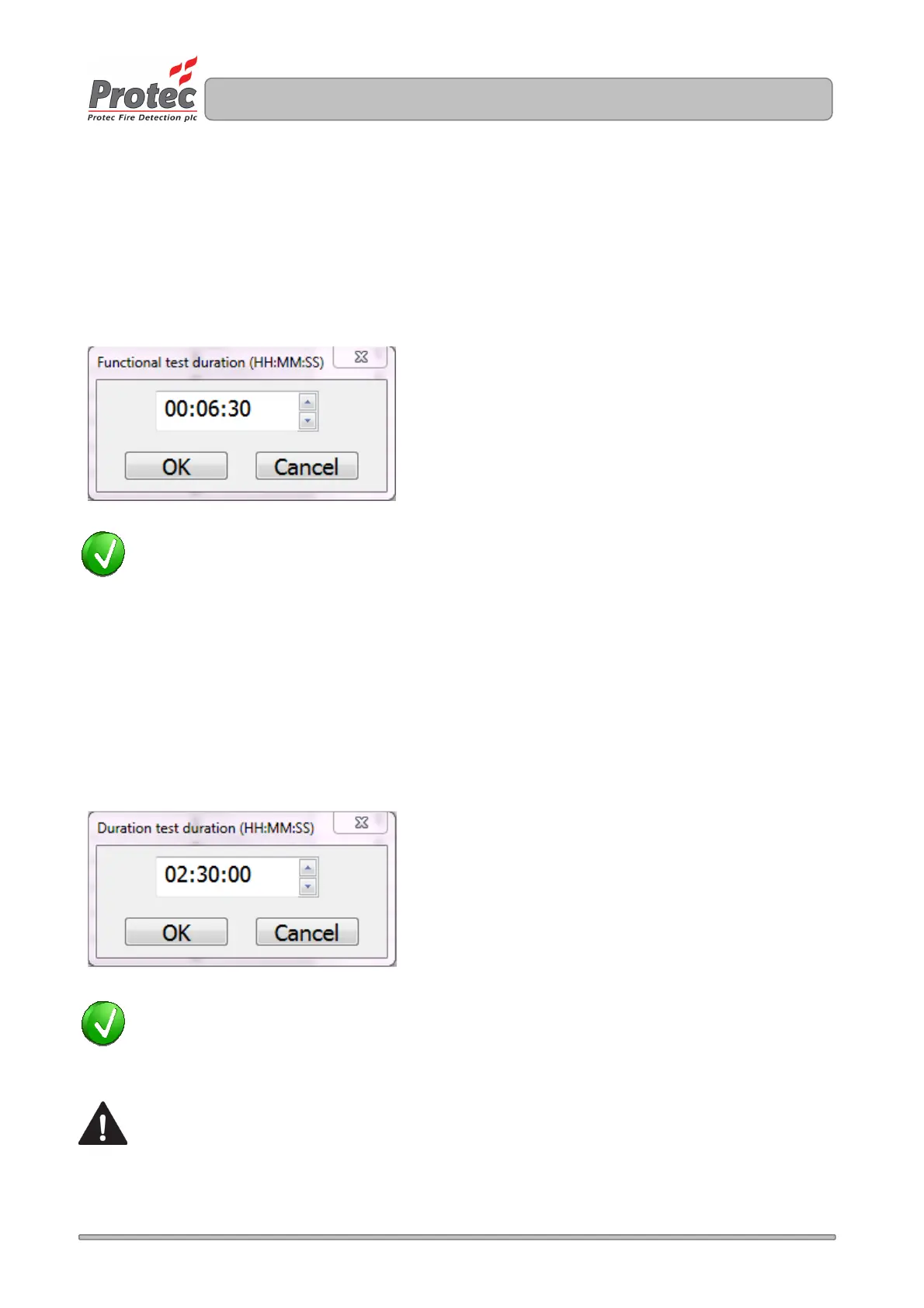
To alter the time, double click on the 'Functional Test Time' cell for the group being programmed, and enter
the time in Hours, Minutes and Seconds. A functional test time of 6 minutes and 30 seconds is illustrated in
figure 12.3.
Figure 12.3
TIP: If you need to set all the groups to the same Functional test time, double click on the main
heading 'Functional Test Time (HH:MM:SS)' and enter the time. All groups will be updated.
12.5 Programming the Duration Test Time
The time duration, in hours and minutes, which a duration test takes is programmable. The default time is
3 hours, but may be programmed between 00:00:00 and 04:00:00 as required.
To alter the time, double click on the 'Duration Test Time' cell for the group being programmed, and enter the
time in Hours, Minutes and Seconds. A functional test time of 2 hours and 30 minutes is illustrated in figure
12.4.
Figure 12.4
TIP: If you need to set all the groups to the same Duration test time, double click on the main heading
'Duration Test Time (HH:MM:SS)' and enter the time. All groups will be updated.
The Duration test time for central systems (static inverter and central battery systems) is usually
specified by the designer of the system. The programmed Duration test time for these systems is
typically set to two thirds the full rated duration, thereby allowing a reserve of power to run the
system after a duration test has completed.



 To Next Page