N93-582-02 Issue 1 NH Page 21 of 28 © Protec Fire Detection plc 2015
12.6 Programming Device Functional and Duration Test Times
Normally manual tests are group based, however it may be advantageous to manually test an individual
luminaire, especially during commissioning.
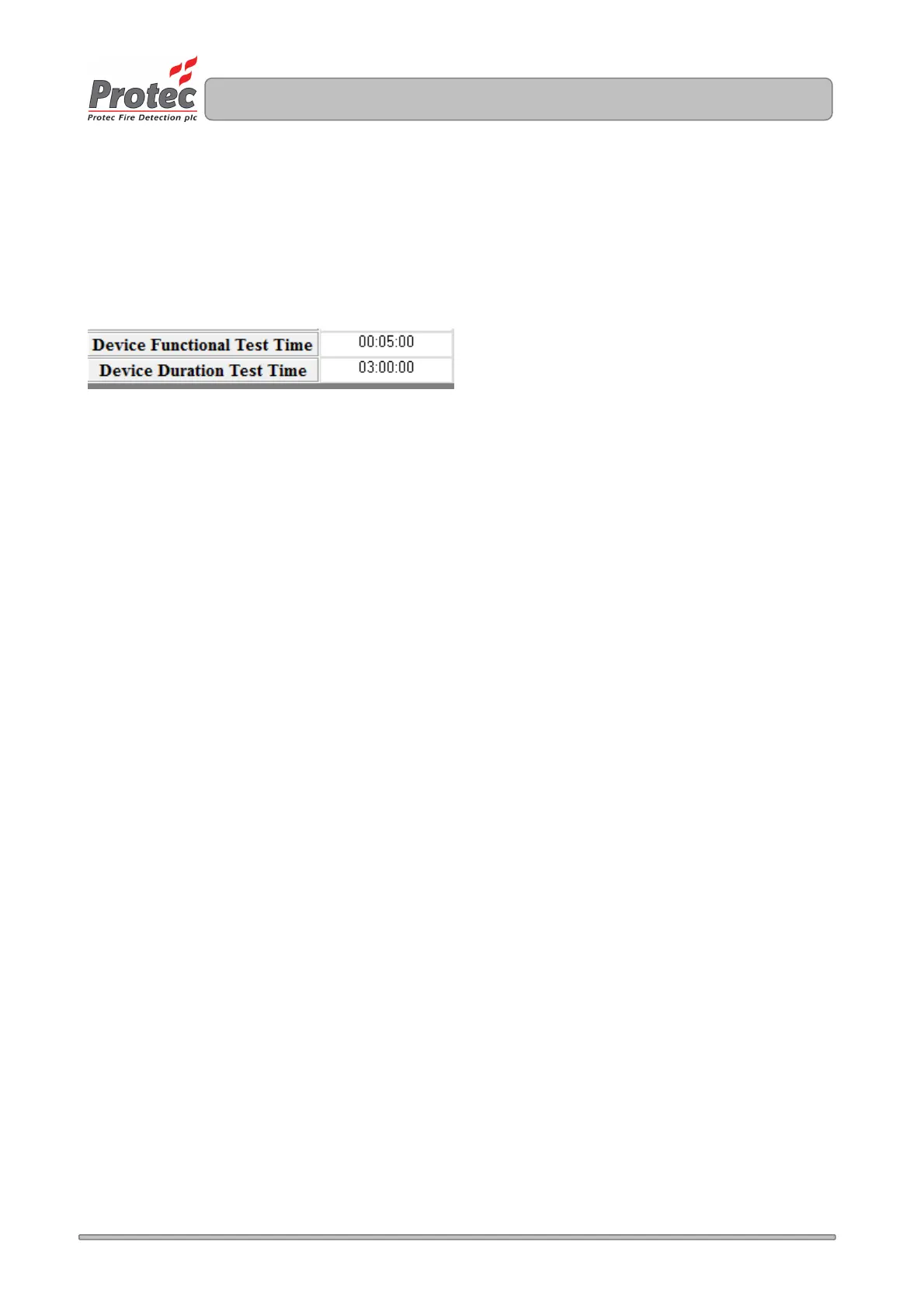
The Functional and Duration test times used when performing device based tests can be set separately to
the group test times, and are located at the bottom of the Test Options screen, as illustrated in figure 12.5.
Figure 12.5
To set the Functional or Duration test time, click on the relevant cell and enter a time between 00:00:00 and
04:00:00. The default setting for Functional tests is 5 minutes and for Duration tests is 3 hours.


 To Next Page