N93-582-02 Issue 1 NH Page 13 of 28 © Protec Fire Detection plc 2015
9.3 Overview of the Main Screen
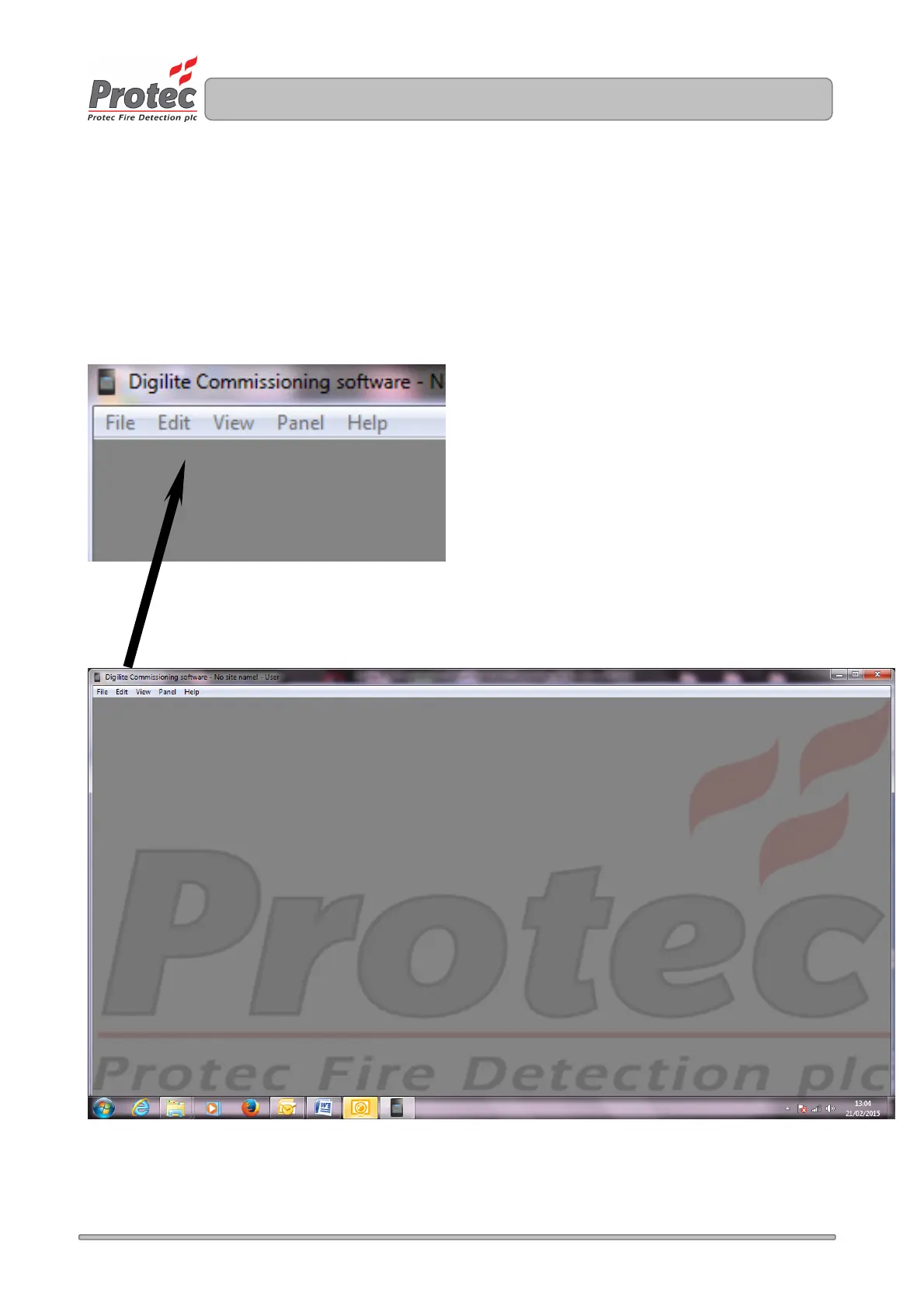
The Digilite® DL500 Configuration Tool environment consists of a main screen with several menu options
located at the top left corner. Selecting a menu option brings it to the main screen. Information entered in a
menu option is retained when swapping between menus.
To open the Configuration Tool double click on the Digilite® DL500 icon ( usually present on the PC’s
desktop ). The main screen will open as illustrated in figure 9.3.
Figure 9.03 Main screen and sub option selections



 To Next Page