N93-582-02 Issue 1 NH Page 22 of 28 © Protec Fire Detection plc 2015
13.0 Editing Text
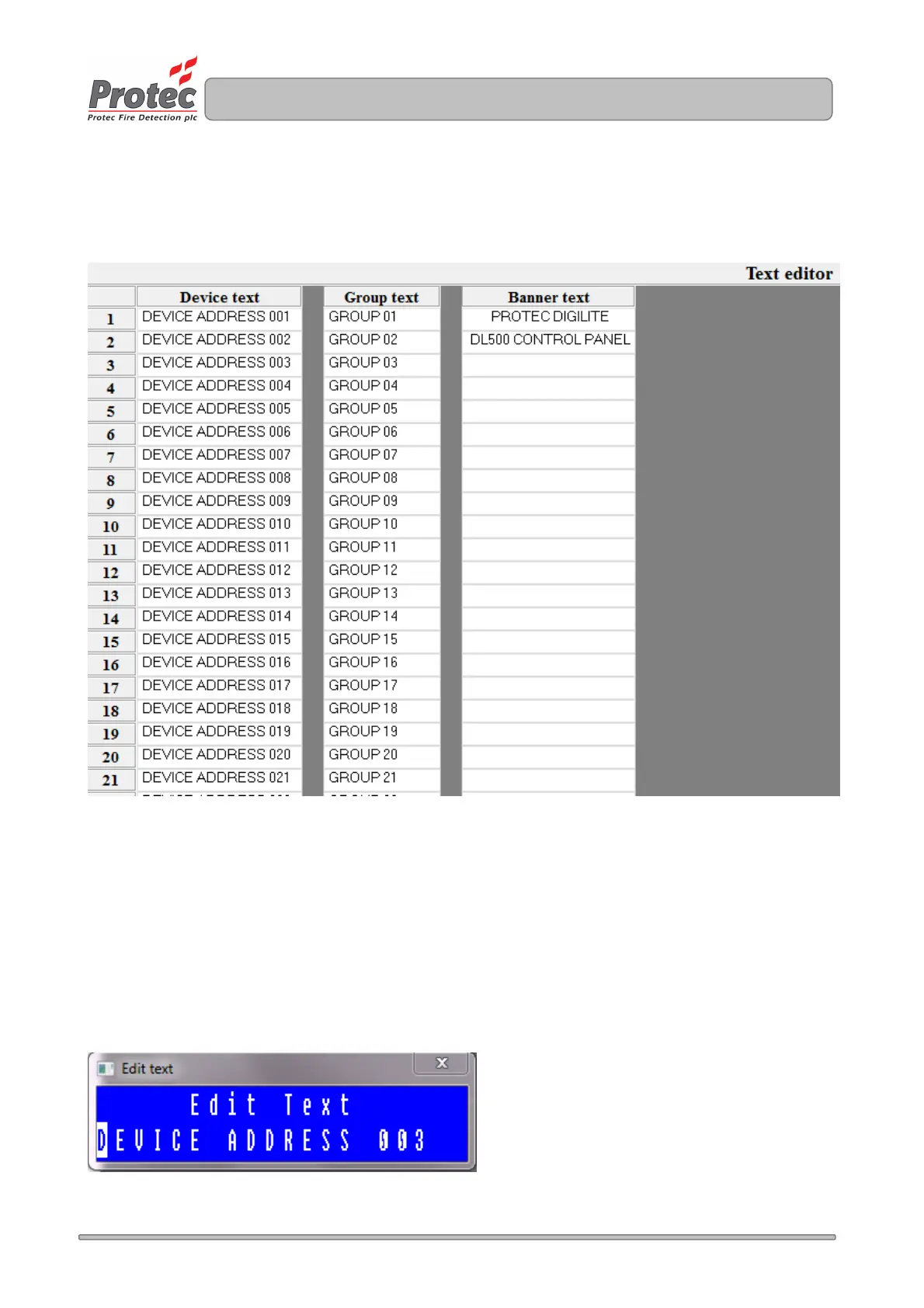
System text editing is performed in the Edit -> Text editor window, as illustrated in figure 13.0 (Default text
is shown).
Figure 13.0
13.1 Entering and editing Loop Device Text
20 characters of device location text are provided, per loop address, by the Digilite® DL500.
To enter / edit the text for a particular loop address double click on the 'Device Text' cell for the address,
which opens up the text editor box for that address. Figure 13.1 illustrates the text editor box for address 3.
Enter the text as required (in capital letters), then click on the 'X' in the top right corner of the box to accept
the text.
Figure 13.1



 To Next Page