Chapter 3 Software Configuration
PS3100 SERIES USER
′
S MANUAL
Page:3-3
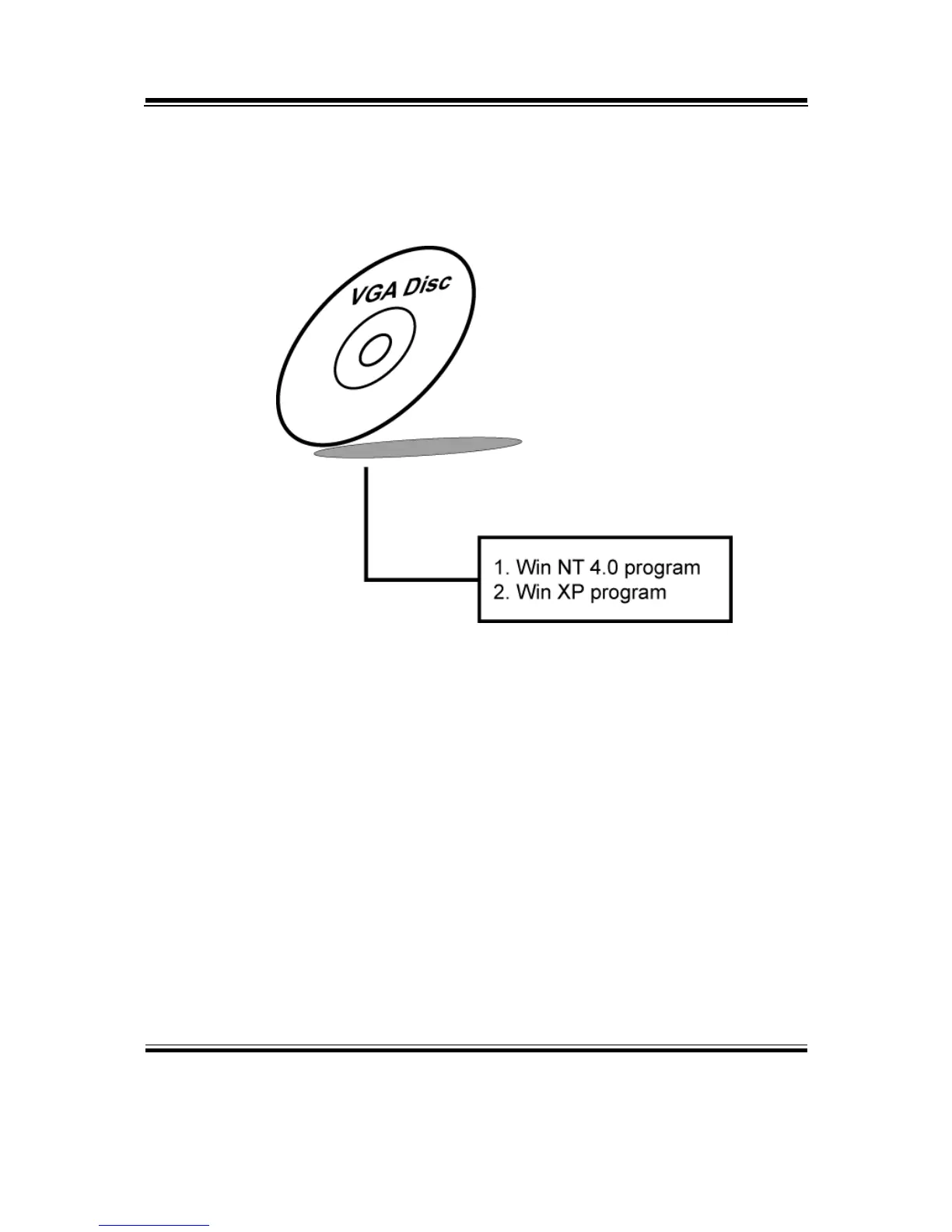
3-2. VGA DRIVER UTILITY
The VGA interface embedded with our PS3100 series can support a wide
range of display. You can display CRT, LVDS simultaneously with the
same mode.
3-2-1. Installation of VGA Driver:
To install the VGA Driver, simply follow the following steps:
1. Please insert the Utility Disk into Floppy Disk Drive A/B or CD
ROM drive.
2. Under Windows NT4.0/XP system, go to the directory where VGA
driver is located.
3. Click Setup.exe file for VGA driver installation.
4. Follow the instructions on the screen to complete the installation.
5. Once installation is completed, shut down the system and restart it
in order to complete the changes.



 To Next Page