Page 40 of 68
Proton Products InteliSENS PD30 Instruction Manual (Issue 1a)
RS-422 / RS-485 COMMUNICATIONS
This RS-422 / RS-485 interface is fitted as standard. It operates independently of the other
communications interfaces and may be accessed at the same time as them.
RS-422 / RS-485 interface
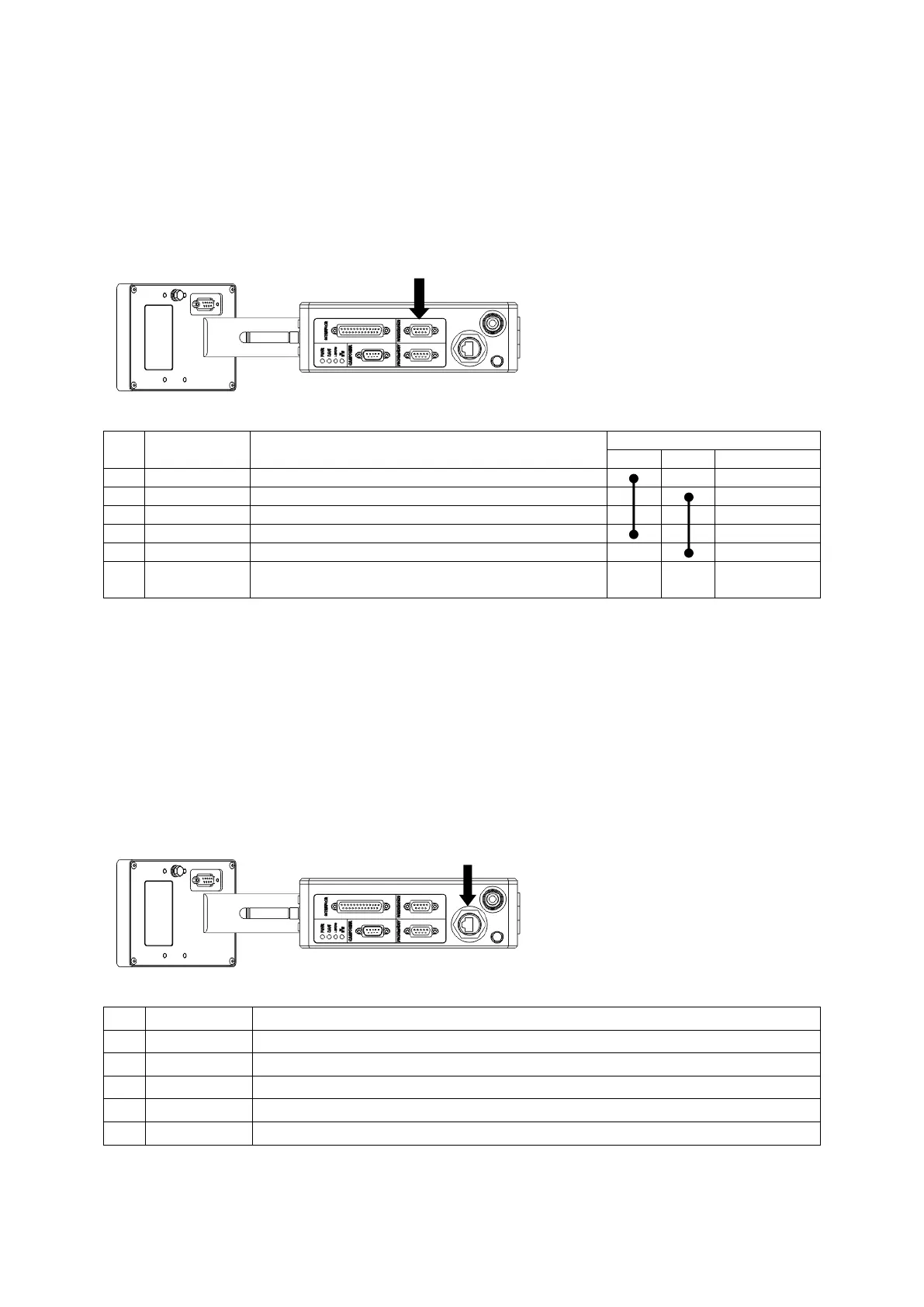
The RS-422 / RS-485 interface may be accessed through the “RS232/485” connector.
Connector type: DB9 female (socket)
RS-485 two wire operation
Ensure that the cable shield is connected to this
via the plug shield connection.
The four-wire RS-422 interface may be converted to two-wire RS-485 operation by installation of the 2
shorting links shown above.
ETHERNET COMMUNICATIONS
This Ethernet interface is fitted as standard. It operates independently of the other communications
interfaces and may be accessed at the same time as them.
Ethernet interface
The Ethernet interface may be accessed through the RJ45 connector.
Connector type: RJ45 8P8C female (socket)
Ensure that the cable shield is connected to this via the plug shield connection.



 To Next Page