Page 44 of 68
Proton Products InteliSENS PD30 Instruction Manual (Issue 1a)
ETHERNET / IP COMMUNICATIONS
The Ethernet/IP interface is compatible with PLCs fitted with an Ethernet/IP interface that supports the
CIP (Common Industrial Protocol).
This communications interface operates independently of the other communications interfaces and
may be used at the same time as them.
EtherNet / IP interface
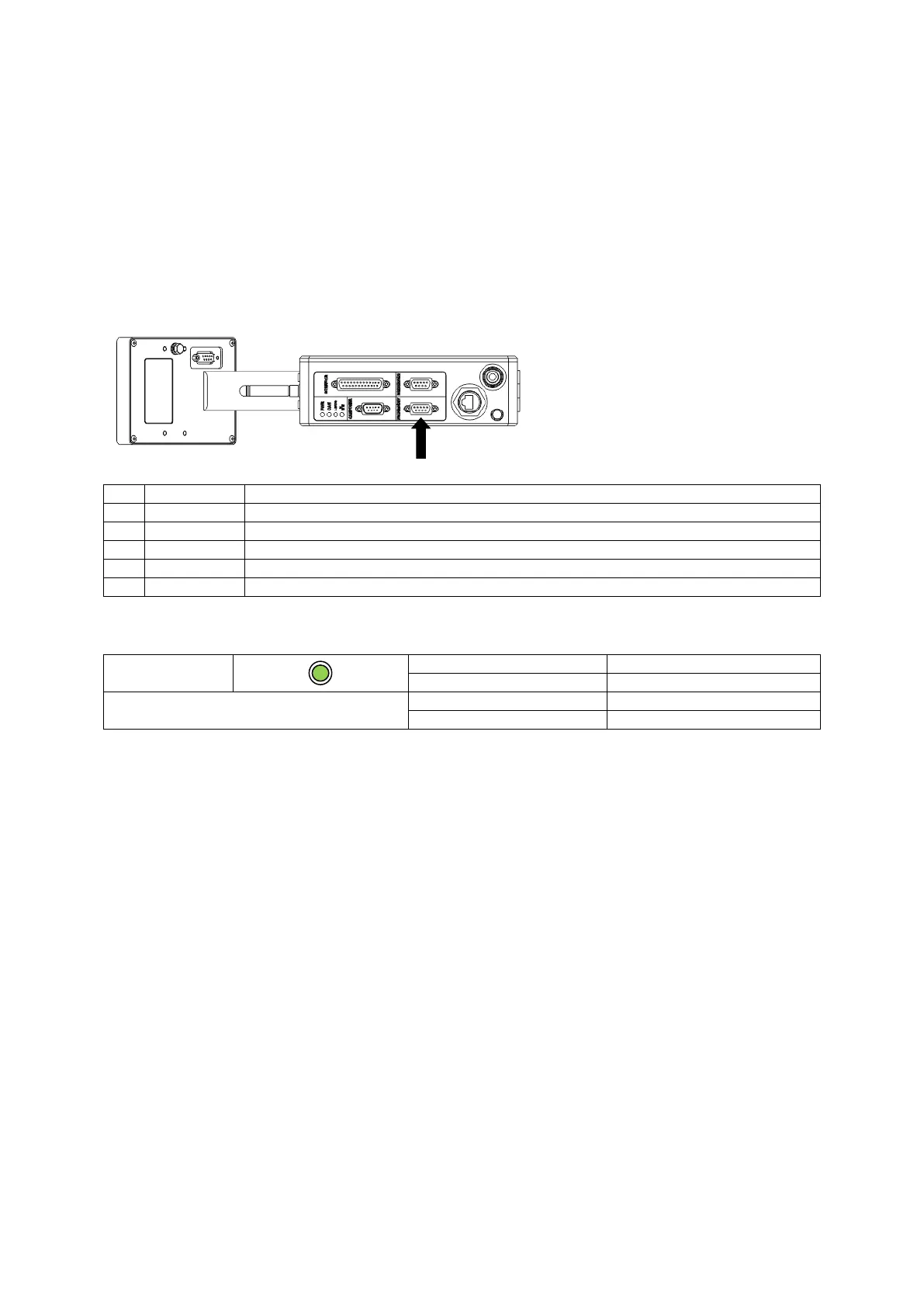
The EtherNet / IP interface may be accessed through the “PROFI/EIP/DEV” connector.
Connector type: DB9 female (socket)
Ensure that the cable shield is connected to this via the plug shield connection.
EtherNet / IP LED indicator
EtherNet / IP communications


 To Next Page