Press volume down button on the right side of the phone to zoom out.
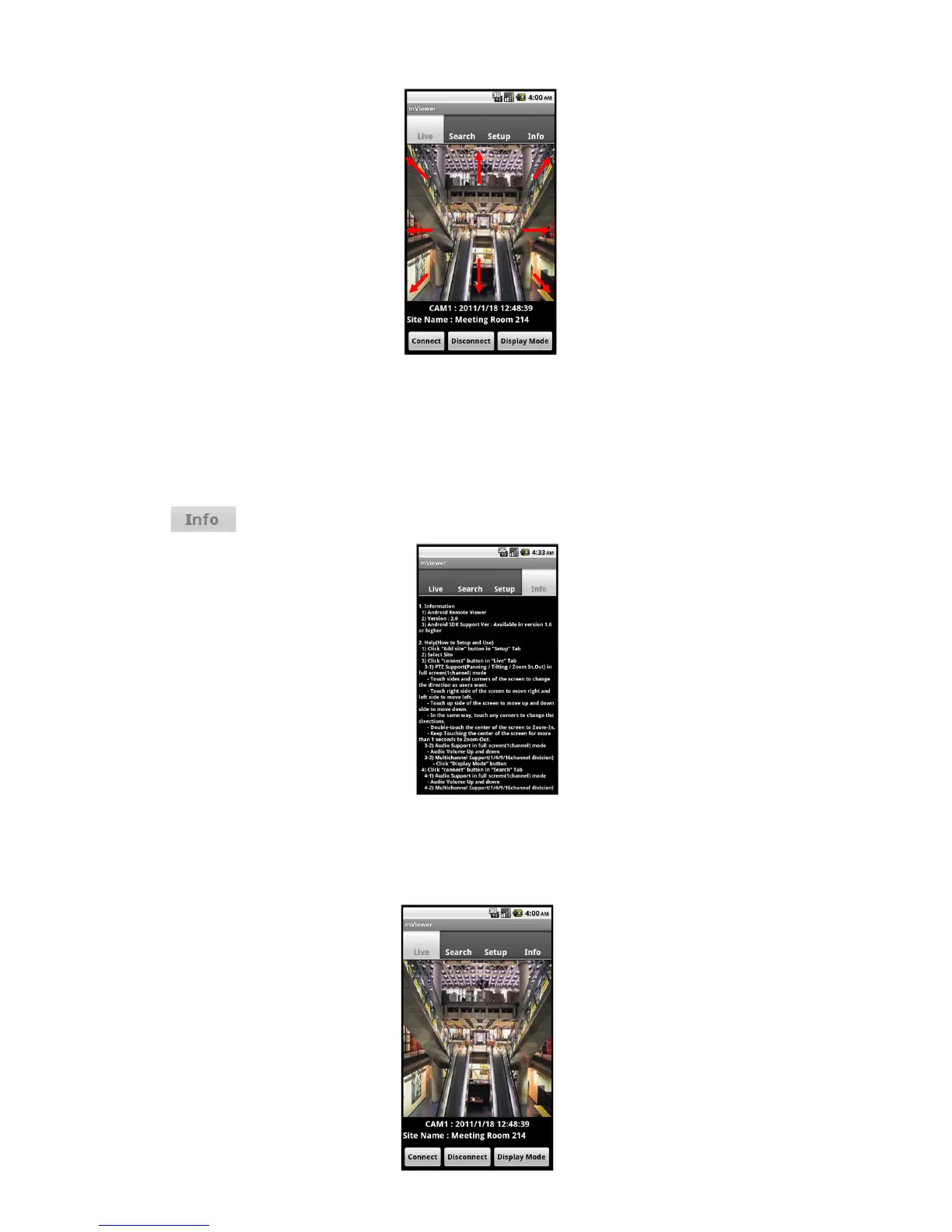
Touch sides and corners of the screen to change the direction as user want.
Touch right side of the screen to move right and left side to move left.
Touch up side of the screen to move up and down side to move down.
In the same way, touch any corners to change the directions.
12.2.8 Information
Click “ ” to get more information, containing how to setup and use the application.
12.2.9 Disconnection


 To Next Page