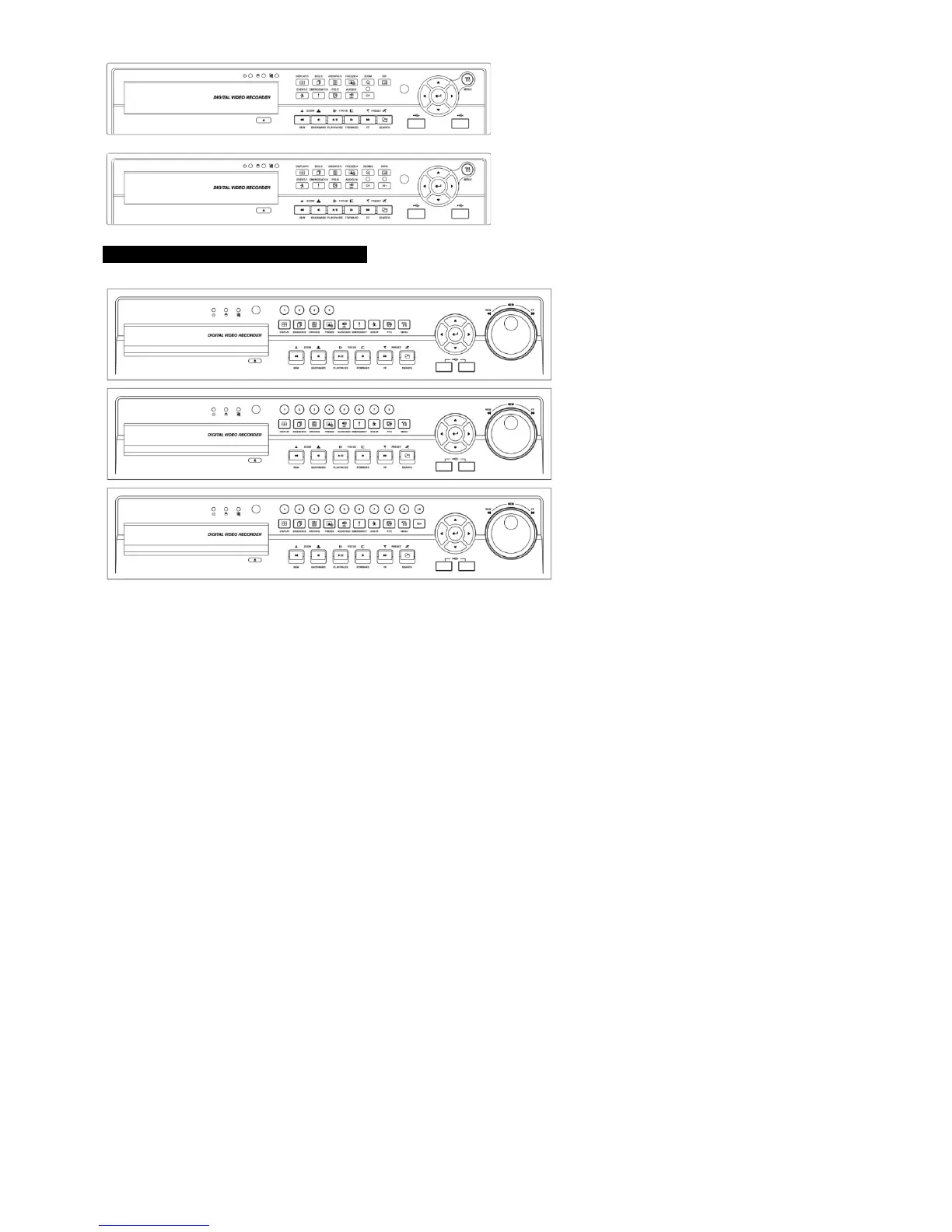
8 Channels DVR
16 Channels DVR
ProVisual FH / MH / VF / AQH Series
4 Channels DVR
8
Channels DVR
16
Channels DVR
3.4 Using a Remote Controller
Usage of a remote controller is same as the front panel keys.
Follow the procedure below when using the remote controller for multi DVRs.
① Check System ID (e.g., between 1 and 255) of the DVR that wish to use.
- (SETUP>SYSTEM>Information>Status>System ID).
② Holding up the remote controller to face towards the DVR and press the System ID numbers one by one, while pressing
ID button on the remote controller. Note that the System ID is a 3-digit number. Button ‘10’ functions the same as ‘0’.
- (e.g.: If System ID is 3, press 10>10>3 buttons in sequence while pressing the ID button)


 To Next Page