11. CMS WEB CLIENT
11.1 Setup and Login
MS Explorer web browser is required for installation and using this program.
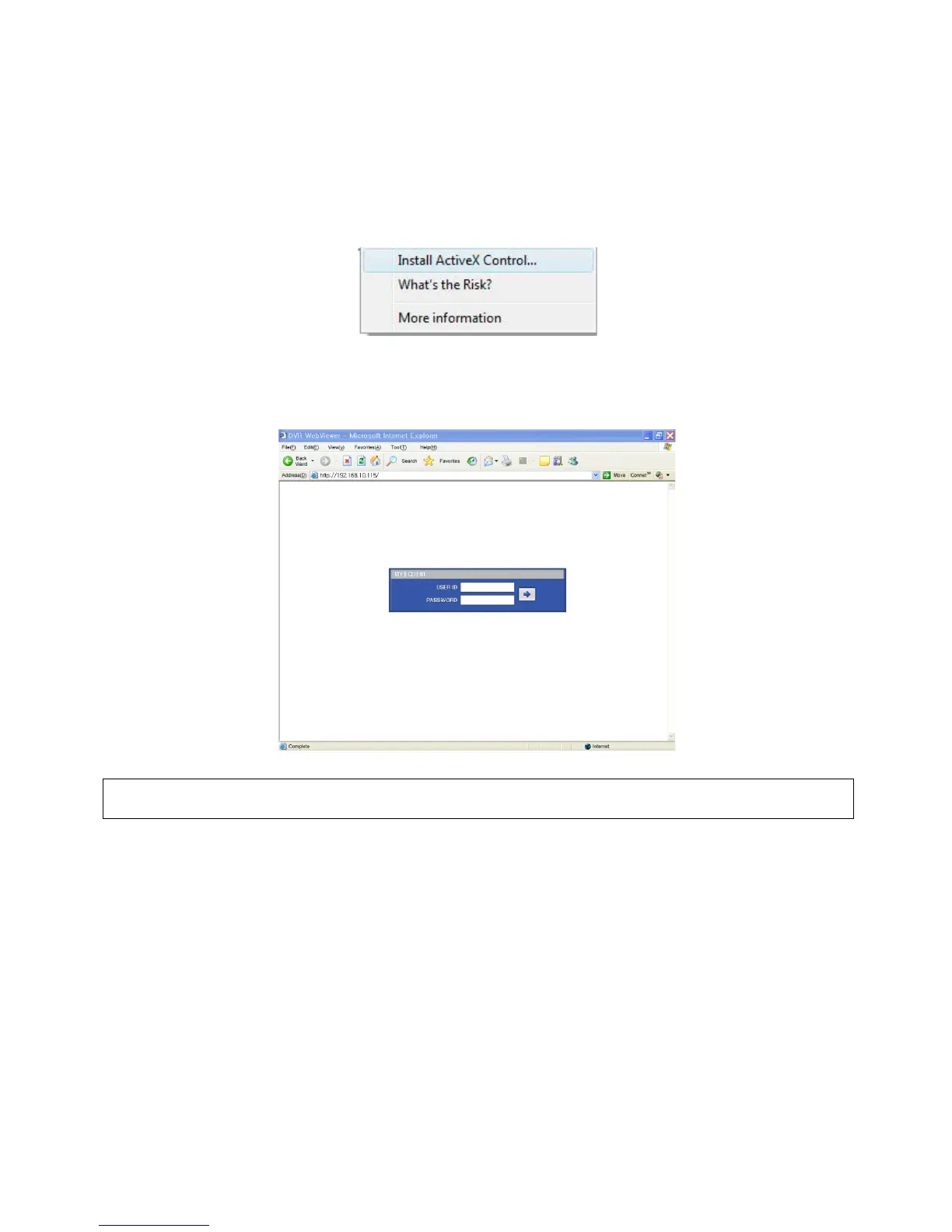
Open a browser and type the IP address of DVR.
It is required to install ActiveX in the first connection.
Basically, Explorer limits automatic ActiveX installation.
Click the message above in the screen, then following menu box will appear.
Click “Install ActiveX Control…” and start installation.
Installation box will appears and click “Install” for next step.
After complete installation, Login panel will appear.
Enter User ID and password of registered DVR then click
(NOTE)
Before network connection, be sure that HDD is installed. Otherwise, the DVR will not be connected over network.


 To Next Page