Installation and Operating Instructions
SDC 204 1316BED035-10B-E Date 12/06
- 18 -
8 M
ENU STRUCTURE
To facilitate simple operation of the device, the device, operating and display functions are
combined into 4 groups (= main menu).
The four menus
• Information
• Program
• Manual operation
• Basic setting
provide information on your solar thermal system.
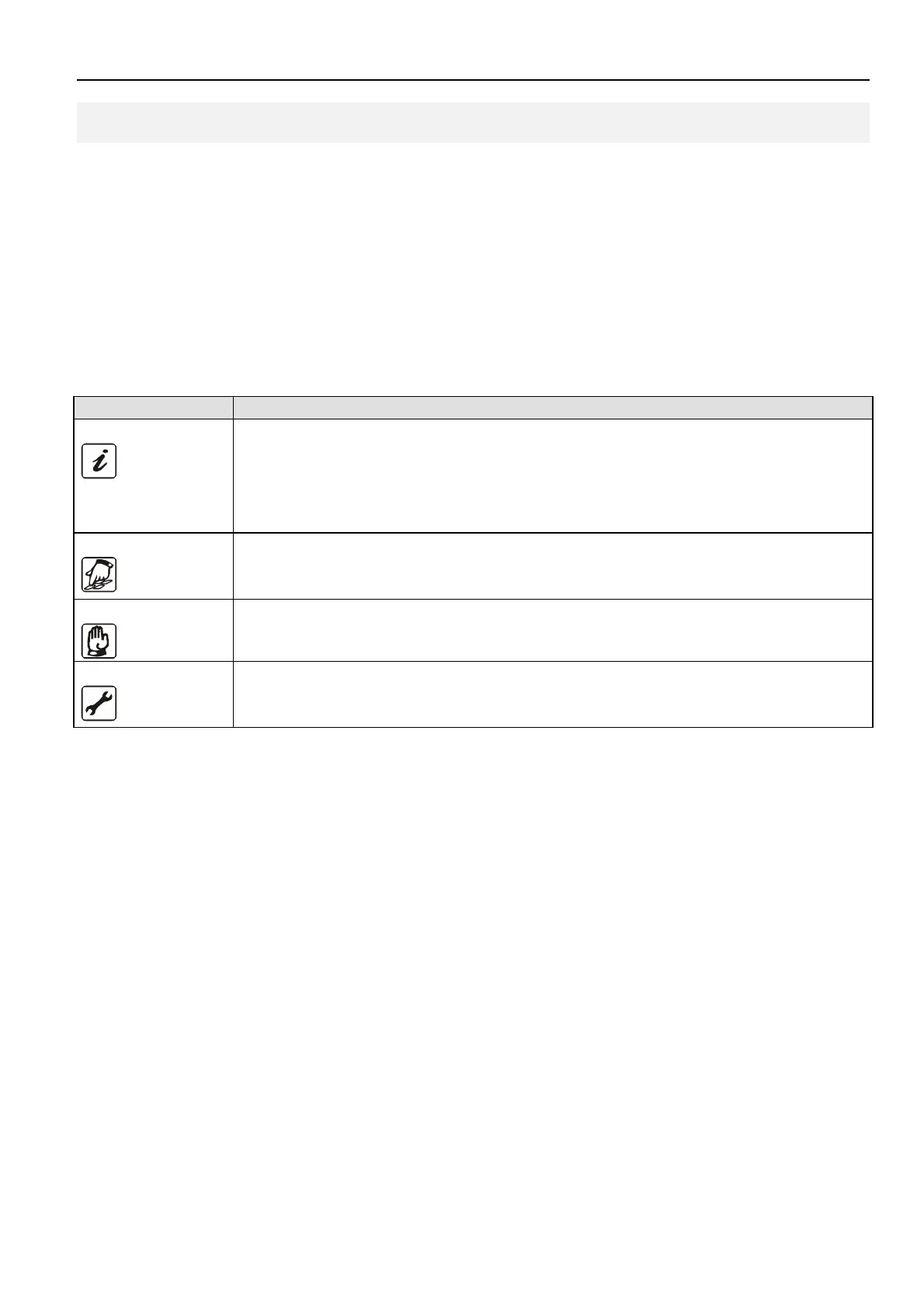
The currently active menu is displayed by means of the relevant graphic symbol in the top row
of the display.
Menu Overview of functions contained
Information
Main menu for the automatic control of the solar system.
• Display of current measured values
• Display of system status
• Display of error messages
• Display of energy yield (if existing)
Program
Change and set the programmable setting values (parameters)
Note: Changes can impede system functions
Manual operation
Switching the connected pumps/valves on and off manually
Basic setting
Information on the basic settings for the system function.
Note: Settings and changes may only be carried out by trained personnel.


 To Next Page