Installation and Operating Instructions
SDC 204 1316BED035-10B-E Date 12/06
- 13 -
7 O
PERATION
/
I
NDICATORS
7.1 Overview of displays and operating controls
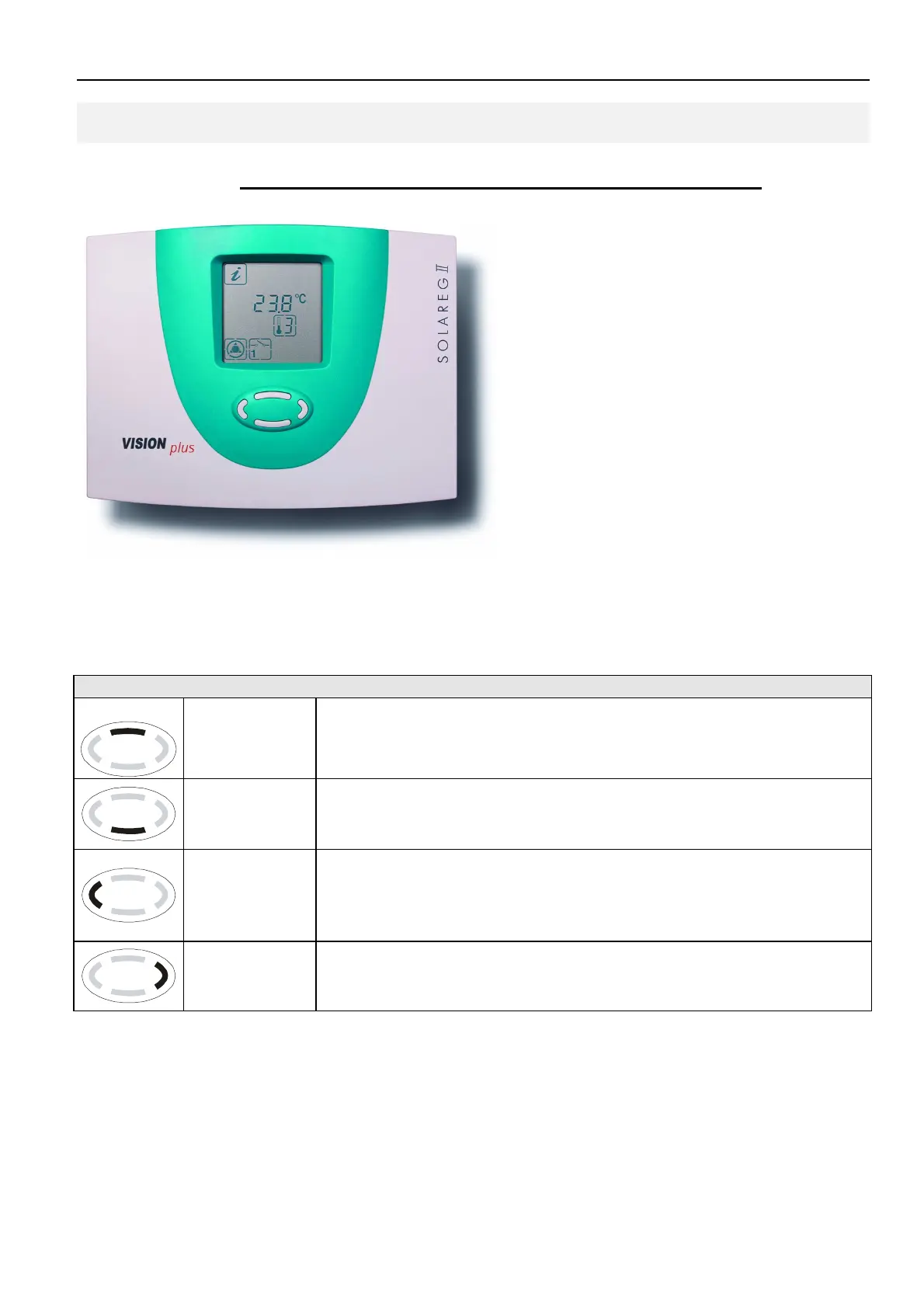
The Solareg Vision Plus control
unit is operated comfortably and
simply by means of 4 buttons.
The operating buttons allow you
to:
• Access display values
• Enter device settings
The graphic symbols on the
display unit lead you simply
through the operating structure
and provide a clear overview of
the current menu options, display
values and parameters.
Description
“Up”
„+“
• Upwards menu item
•
Change value: increase the displayed value by 1; press and hold
the button to increase the values continuously
“Access”
“Down”
„-“
• Access a main menu, downwards menu item
• Change value: lower the displayed value by 1; press and hold the
button to decrease the values continuously
“Scroll left“
“Exit“
“Cancel“
“ESC“
• Scroll to the left on the main menu
• Exit a menu
• Exit a menu item
• Cancel a change to a value without saving
“Scroll right“
“Select”
“OK”
• Scroll to the right on the main menu
• Select a menu item
• Confirm a change to a value by saving


 To Next Page