Test the Connection
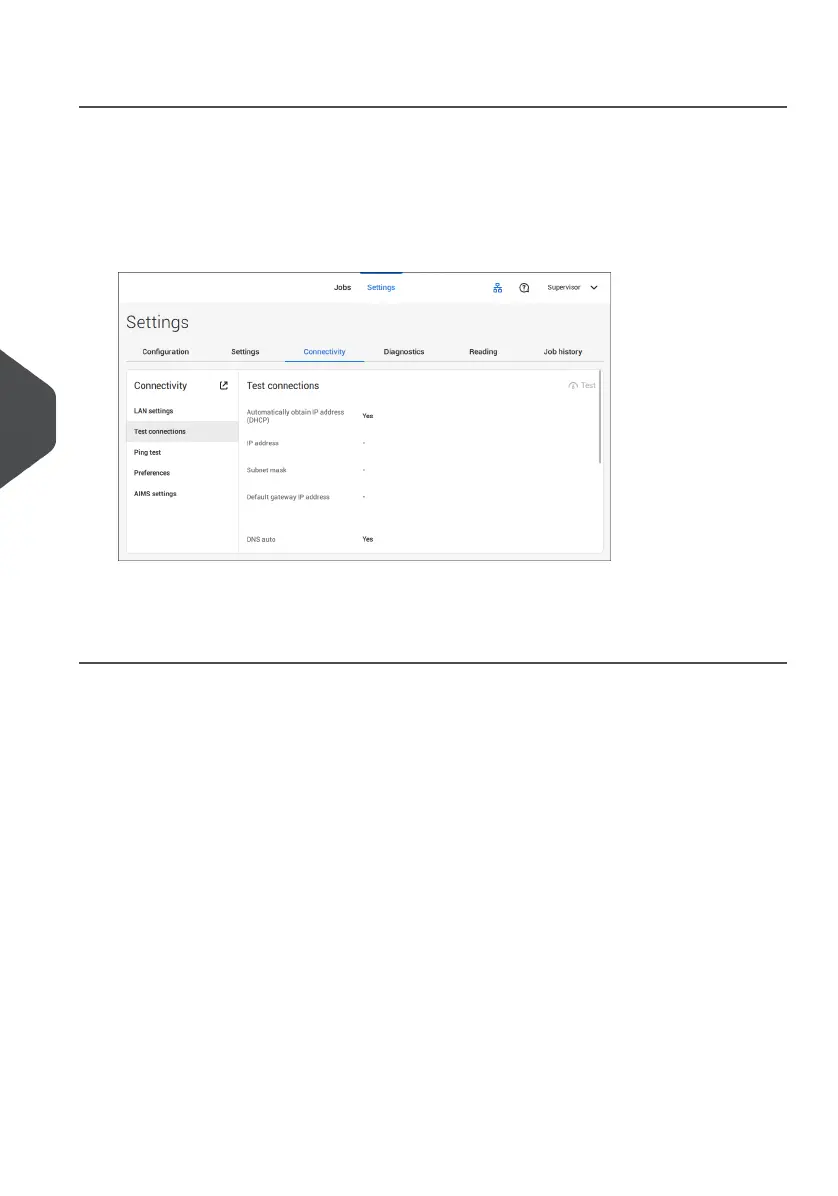
When you have connected to a network, test the connection as follows:
Open the supervisor settings menu.1.
2. Tap the [Connectivity] tab.
3. Tap [Test connections].
4. Tap the [Test] button.
The system tests the IP addresses that are defined at the LAN settings. If the result is 'Not
OK', make sure that the settings are correctly defined.
104
| Page 104 | Jul-11-2022 07:45 | Connect the System to the Internet
7
English



 To Next Page