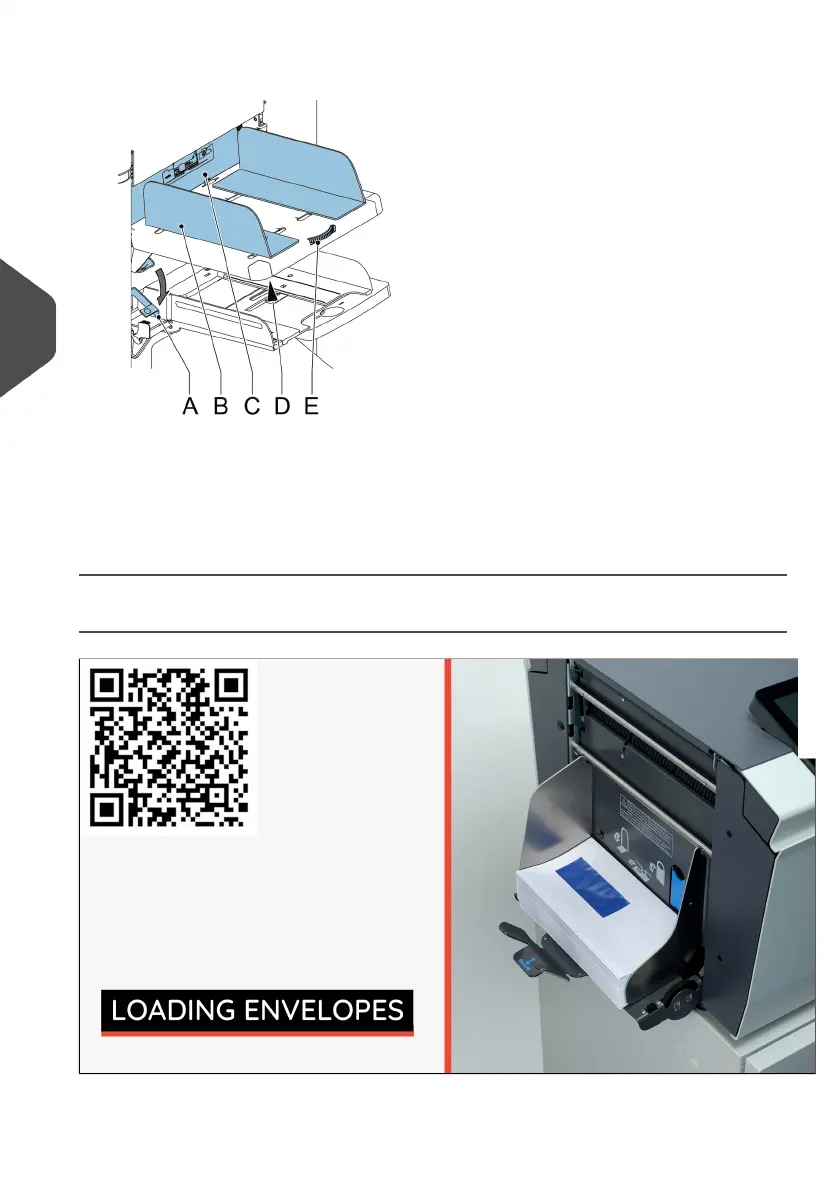
To load the document feeder tray:
1. Pull down lever A.
The feeder rollers C move up to filling level.
2. Place a stack of documents between the side guides (max. 725 sheets, 80 g/m²).
See Document Orientation on page 60 how to place the documents in the feeder tray.
3. Release lever A.
Loading Envelopes
72
| Page 72 | Jul-11-2022 07:45 | Loading the System
5
English



 To Next Page