Settings menu6
Changing screen display
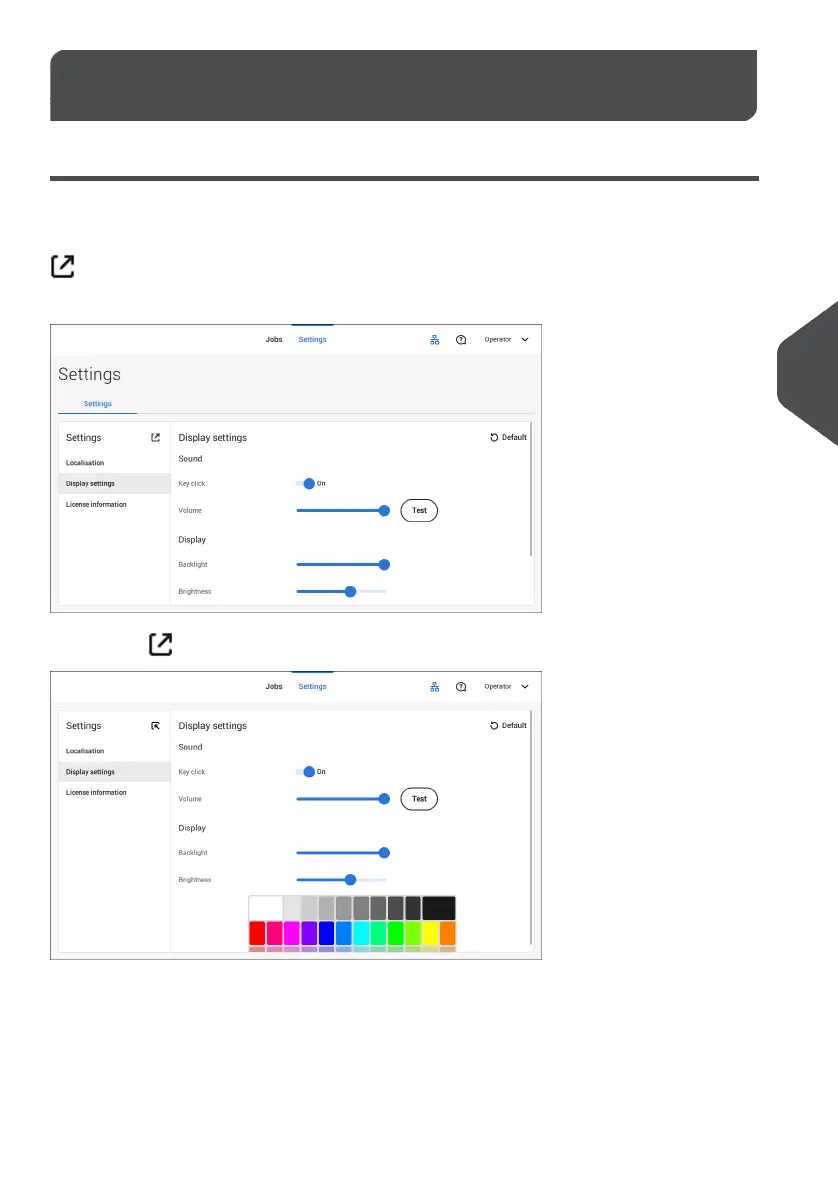
In all settings menus (operator as well as supervisor) information shown might not be visible
at a glance. You will notice that the following icon is available:
; this icon will enlarge the view of your screen.
For example in the Display settings the 'normal' view will show:
Tapping the icon will enlarge the view.
77
| Page 77 | Jul-11-2022 07:45 | Settings menu
6
English



 To Next Page