Lock a Job
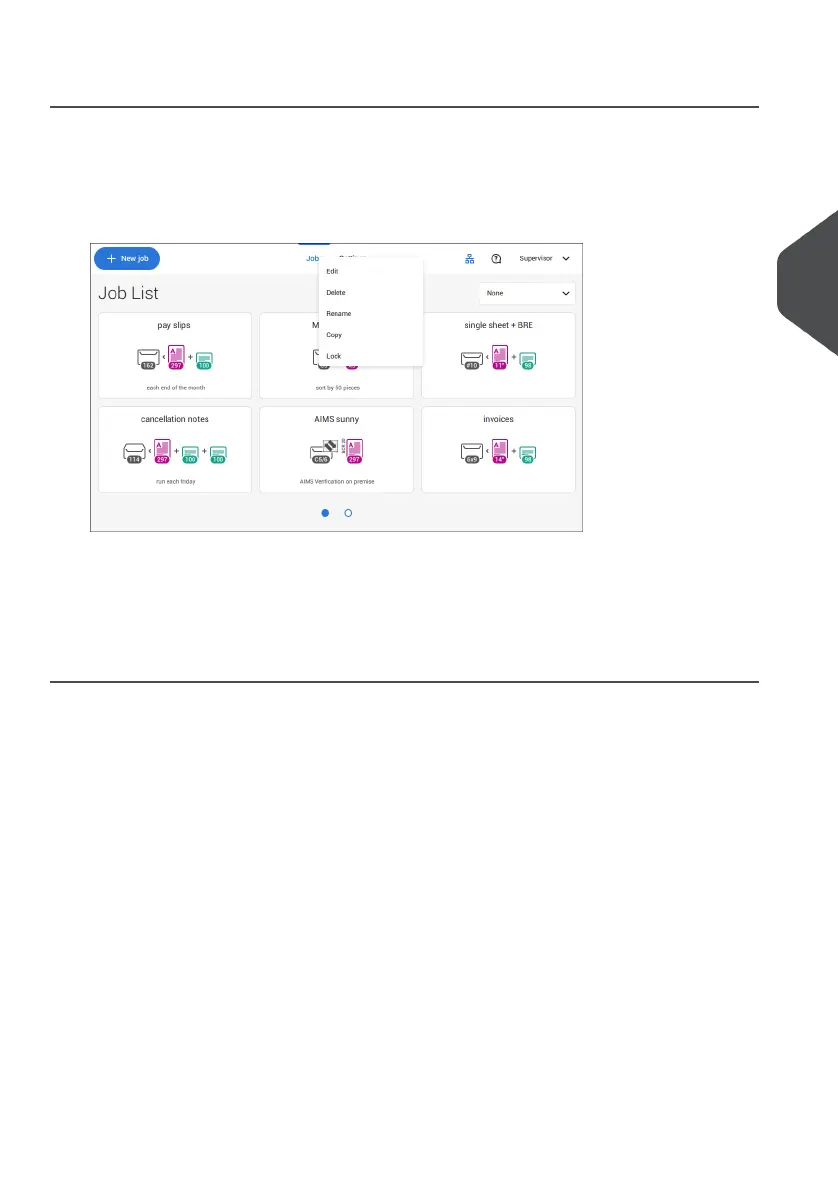
To lock an existing job:
Log on as supervisor.1.
2. Tap and hold the job in the Job list.
3. Tap [Lock].
4. Tap [√] to confirm.
The job shows a lock in the job list. If the supervisor is logged on, the lock is open. If the
operator is logged on, the lock is closed. The operator cannot edit, delete or rename the
job, when the job is locked.
4
English
59
| Page 59 | Jul-11-2022 07:45 | Working with Jobs



 To Next Page