4. Make sure that the address position and the envelope stop position are correct. If
not, adjust the address position on page 46 and envelope stop position on page 43.
5. If necessary, tap the counter symbol to set the counters. See Counter settings on
page 38.
6. Tap [Start] to start the job.
7. Tap [Stop] to finish the job.
Tap [Save] if you want to save the settings of the Automatic job to a new job.
Create a Manual Job
Introduction
Creating jobs manually is easy: the user interface guides you through the job definition with
clear steps.
These steps are:
• Define the mail set: envelope type, main document and optional enclosures.
• Define how to fold the document set.
• Define the exit of the system that should be used for this job.
Create a Manual Job
To create a job manually:
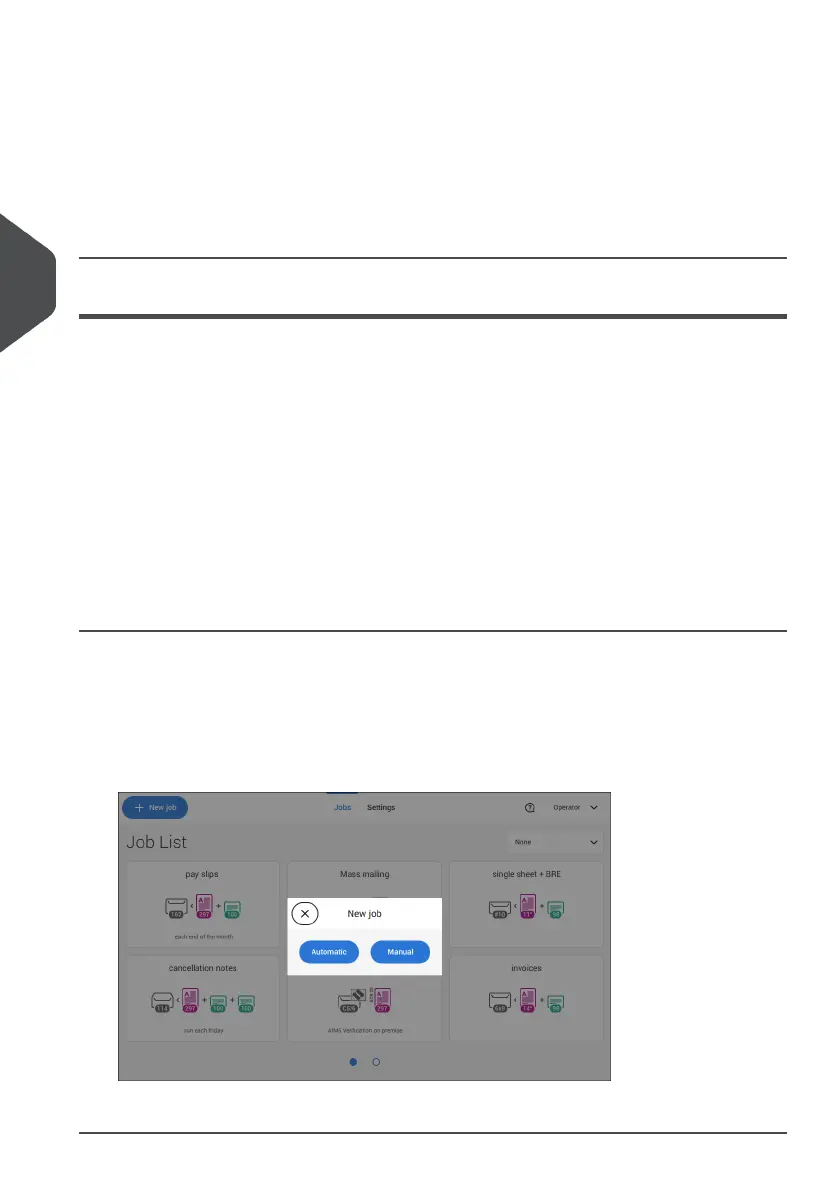
1. From the Job list, tap [New job].
2. Choose [Manual] to define the job settings.
Continue with the envelope settings (see Select Envelope on page 31).
30
| Page 30 | Jul-11-2022 07:45 | Working with Jobs
4
English



 To Next Page