Mail Settings
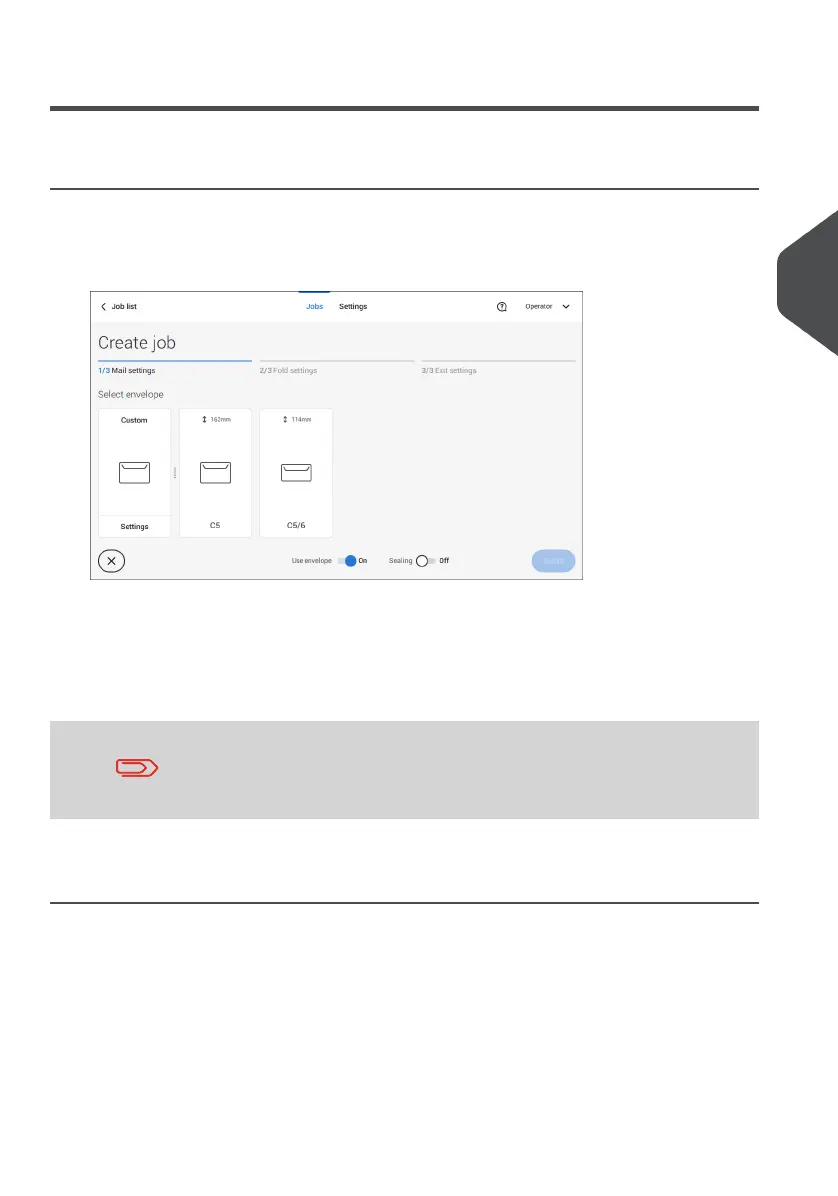
Select Envelope
1. Tap [Envelope].
2. Select a predefined envelope or create a custom envelope on page 50.
Optionally tap [Use envelope] to set the use of envelopes to 'off' if you want to Create
a job without the use of envelopes.
3. Tap [Sealing] to switch it on or off.
By default the envelopes will be sealed.
4. Confirm the envelope settings with [Select].
Continue with the main document settings (see Select Main Document on page 32).
4
English
31
| Page 31 | Jul-11-2022 07:45 | Working with Jobs



 To Next Page