6. If the Test mail set is OK: tap [Start].
If the Test mail set is not OK: adjust the address position or envelope stop position or
check and re-adjust the job settings.
If desired tap the counter button to set the counters. See Counter
settings on page 38.
7. Tap [Start] to start the job.
8. Tap the [Stop] button to finish the job.
9. Tap [Job list] to return to the job list.
Create a New Job
To create a new job:
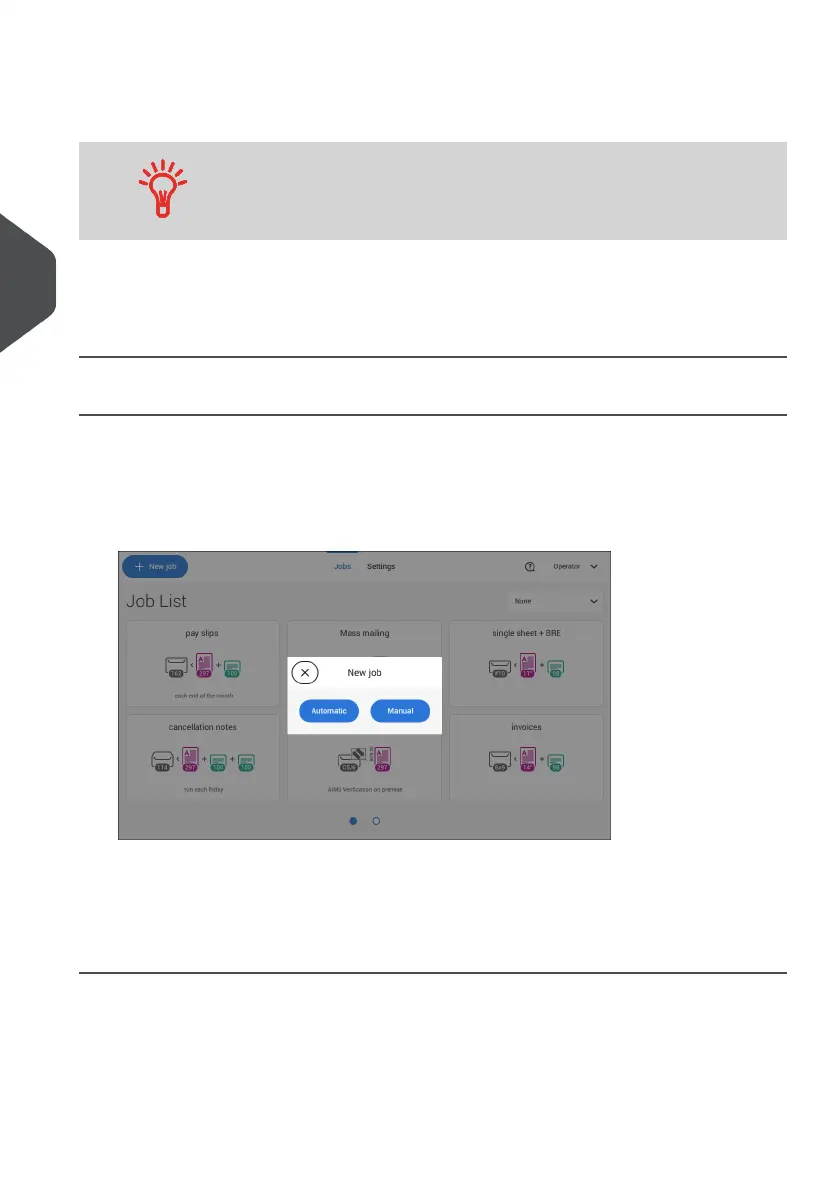
From the Job list, tap [New job].1.
2. Choose [Automatic] or [Manual] to create a new job.
3. If you choose 'Automatic' follow the description as can be found in Create an Automatic
job on page 29.
4. If you choose 'manual' follow the description as can be found in Create a Manual job
on page 30.
28
| Page 28 | Jul-11-2022 07:45 | Working with Jobs
4
English



 To Next Page