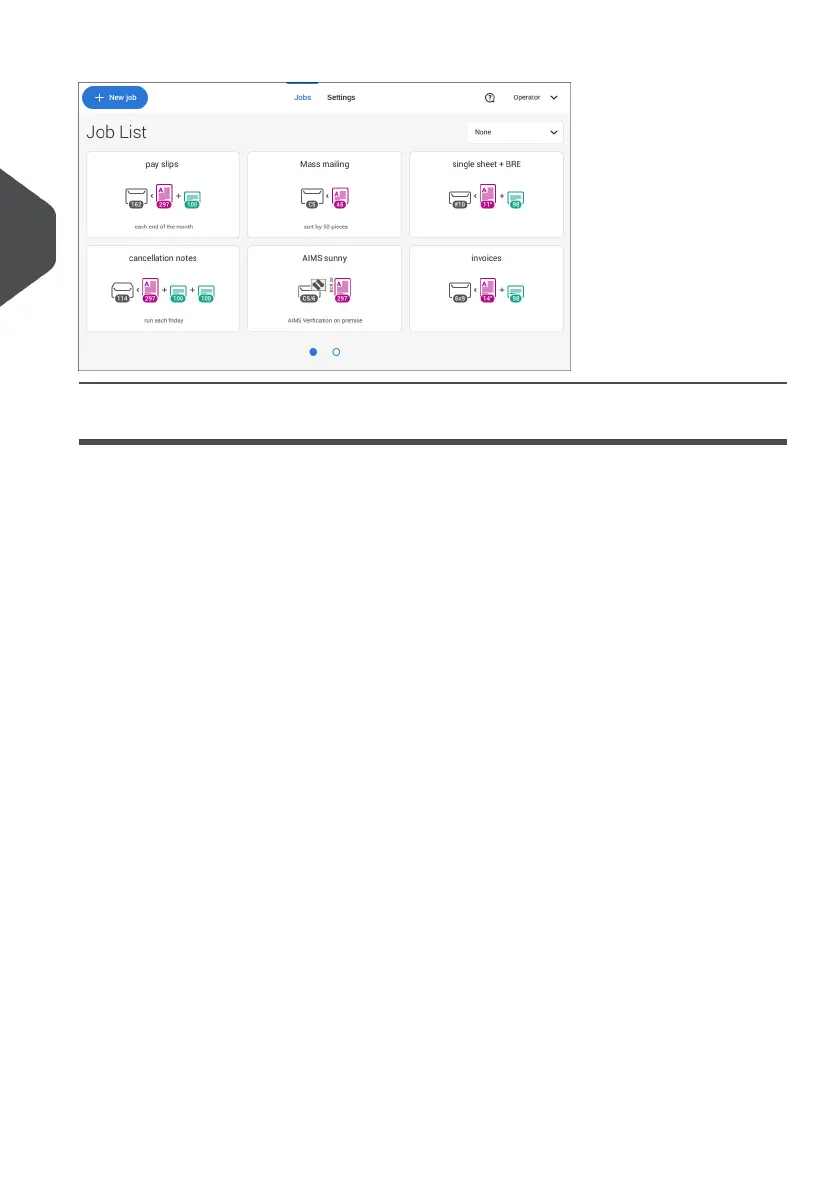
The touch screen shows the Job list screen.
How to Operate the Touch Screen
You can operate the touch screen like a tablet:
• Tap : touch and release the screen with your finger.
• Swipe: touch the screen, hold it and move your finger(s) left, right, up or down.
• Tap and hold: touch the screen with your finger and hold it for two seconds.
• Pinch out/in: to zoom out/in. Only available in help/content browser.
12
| Page 12 | Jul-11-2022 07:45 | Meet your Document System
3
English



 To Next Page