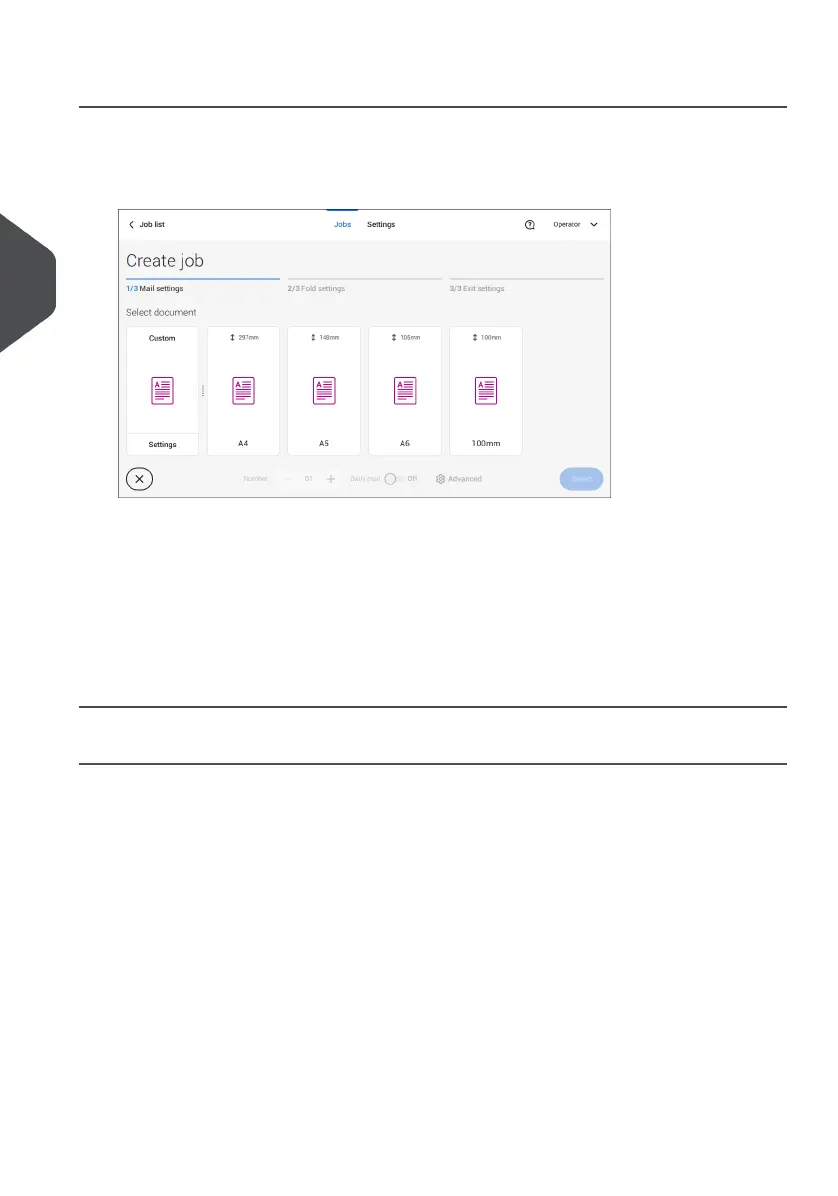
Select Main document
1. Tap [Main document].
2. Select a predefined document or create a custom document on page 52.
3. Change the [Number] to add more than one document from a feeder (multiple sheet
feeding).
4. Optionally tap Daily Mail to set Daily Mail to 'on' (see also Daily Mail on page 49) or
tap [Advanced] to set the DFC settings (refer to DFC Settings on page 32).
5. Confirm the document settings by tapping [Select].
Continue with the Enclosure settings on page 33.
Switch DFC on or off for feeders
For every feeder you can switch the double feed control (DFC) on or off.
To change the DFC settings:
Tap the job that you want the change the DFC settings for.1.
2. Tap [Edit].
3. Tap the document that you want to change the DFC for.
32
| Page 32 | Jul-11-2022 07:45 | Working with Jobs
4
English



 To Next Page