6. Pull the knob A back again when ready.
Process a Mail Set with BRE or Inserts
A mail set with BRE or insert consists of a main document (address carrier), a BRE or an
insert and perhaps other enclosures. This set is inserted into an envelope.
From the Job list menu, tap [New job].1.
2. Add the BRE as a (custom) enclosure.
3. Follow the job creation process (see Create a manual job on page 30).
Process Mail Sets with Daily Mail
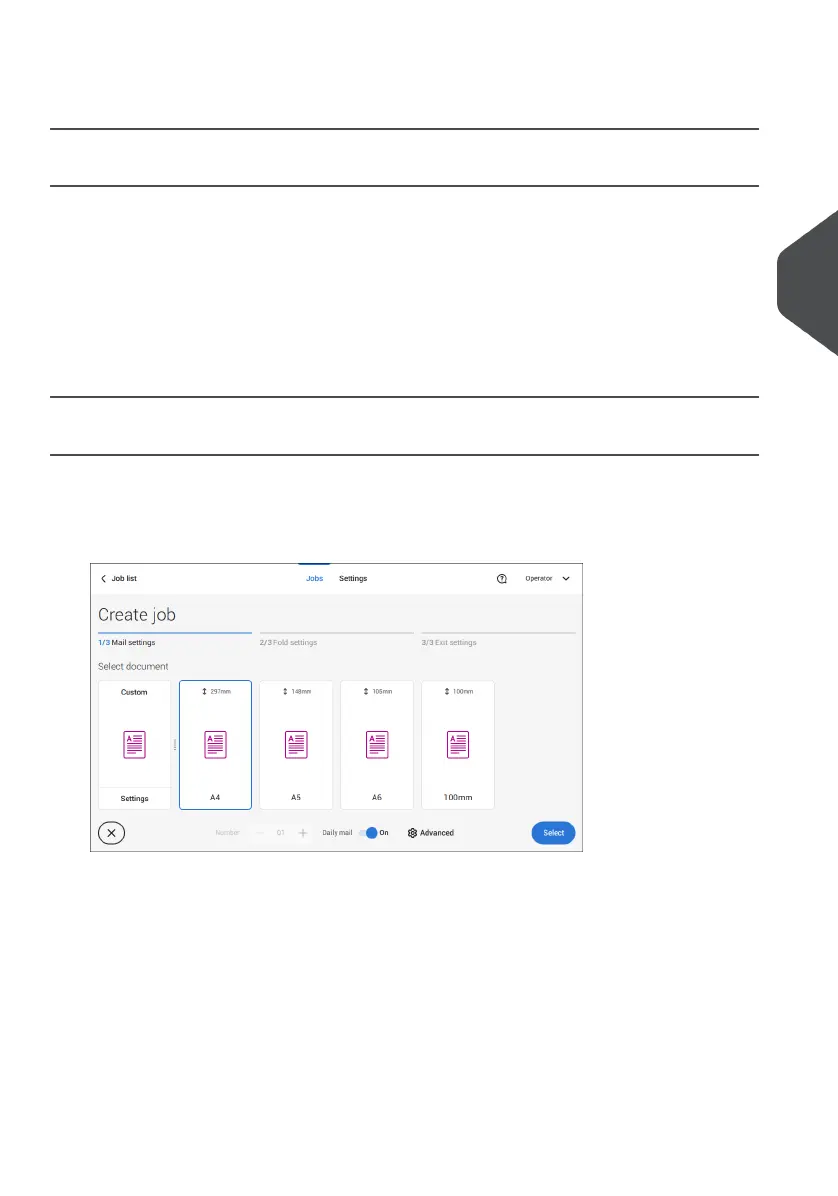
To process mail sets with Daily Mail:
See Create a Manual job on page 30 and set the Daily Mail switch to "On".1.
2. Complete the job settings.
3. Tap [start] to start the job.
A daily mail switch notification and instruction appears on the screen.
4
English
49
| Page 49 | Jul-11-2022 07:45 | Working with Jobs



 To Next Page