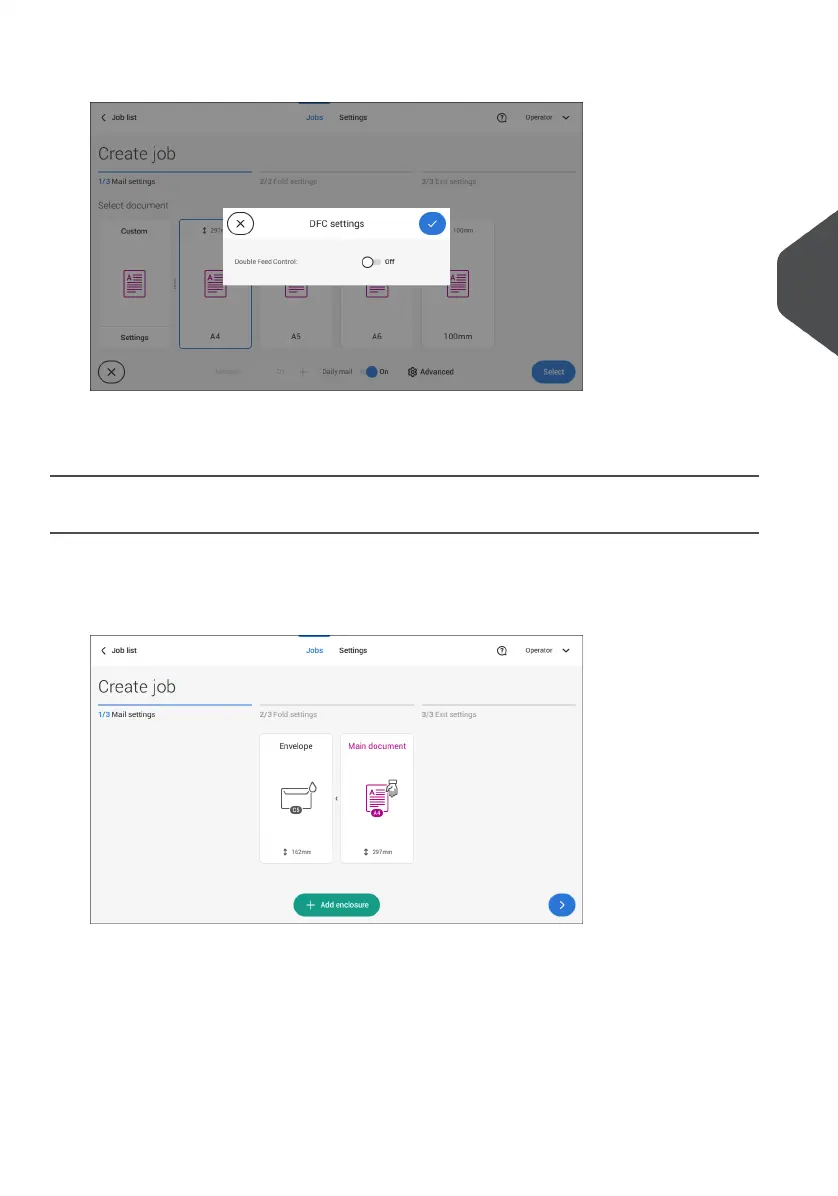
4. Tap [Advanced].
5. Tap Double Feed Control to switch it on or off.
6. Confirm the settings by tapping [Select] and continue with the document settings.
Select an Enclosure
1. Tap [Add enclosure].
2. Select a predefined document or create a custom document as your enclosure (see
Create a custom document) on page 52.
If you want to remove an enclosure from the job, or change the order of the enclosures,
see Delete or move an enclosure on page 56.
3. Change the [Number] for more than one document from a feeder.
4. Confirm the enclosure settings by tapping [Select].
4
English
33
| Page 33 | Jul-11-2022 07:45 | Working with Jobs



 To Next Page