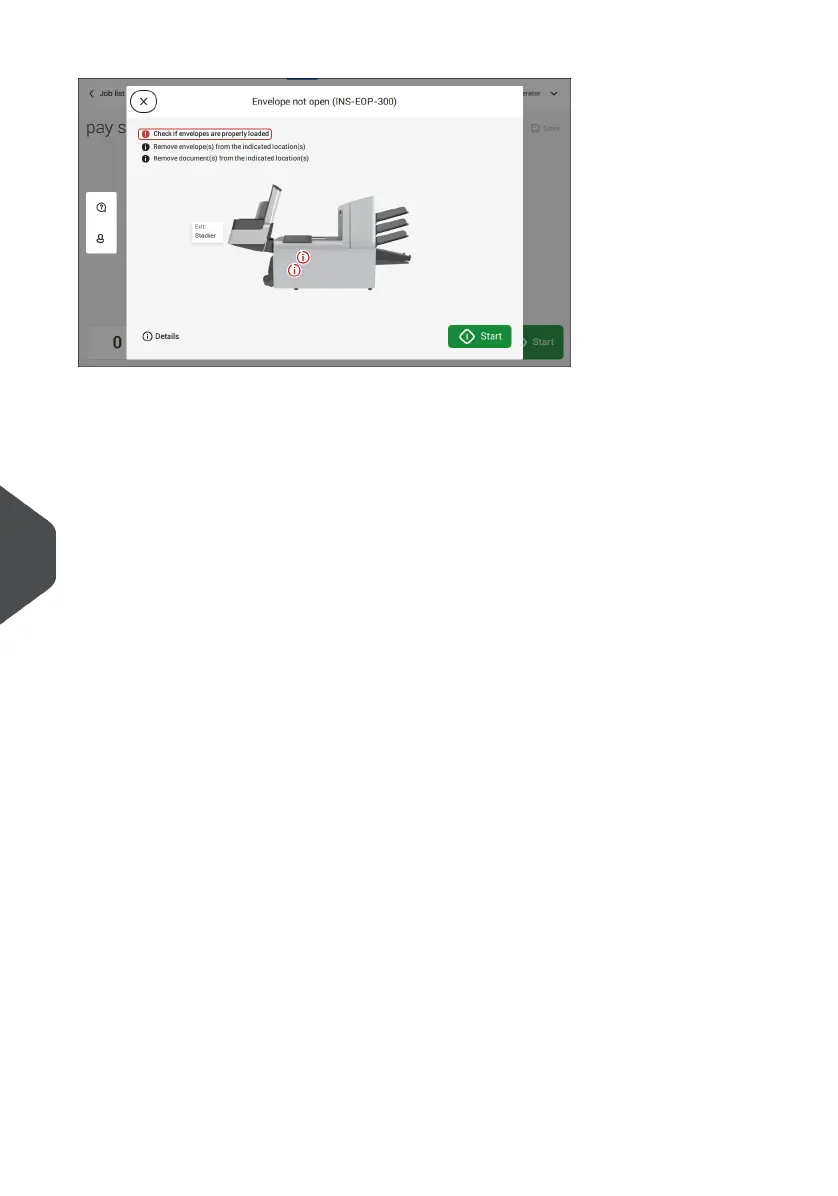
Error messages
When an error occurs the touch screen shows a screen with the following information:
• An indication of the area in which the error occurred
• An error description
• A suggested solution behind the arrow
• An event message number; use this number in case that you call support
Tap (i) Details to view more information about the occurred error and about the possible
actions to avoid the error from re-occurring.
After solving the problem, tap [x] to reset the error (the error screen will disappear).
Special Errors
• Reading errors (when reading is enabled)
The document set is diverted. The operator must remove the document set and has
to complete the set manually!
• Technical errors
The display shows a message. The error cannot be solved by operating personnel
and assistance of the service support is needed.
132
| Page 132 | Jul-11-2022 07:45 | Fault Finding
10
English



 To Next Page