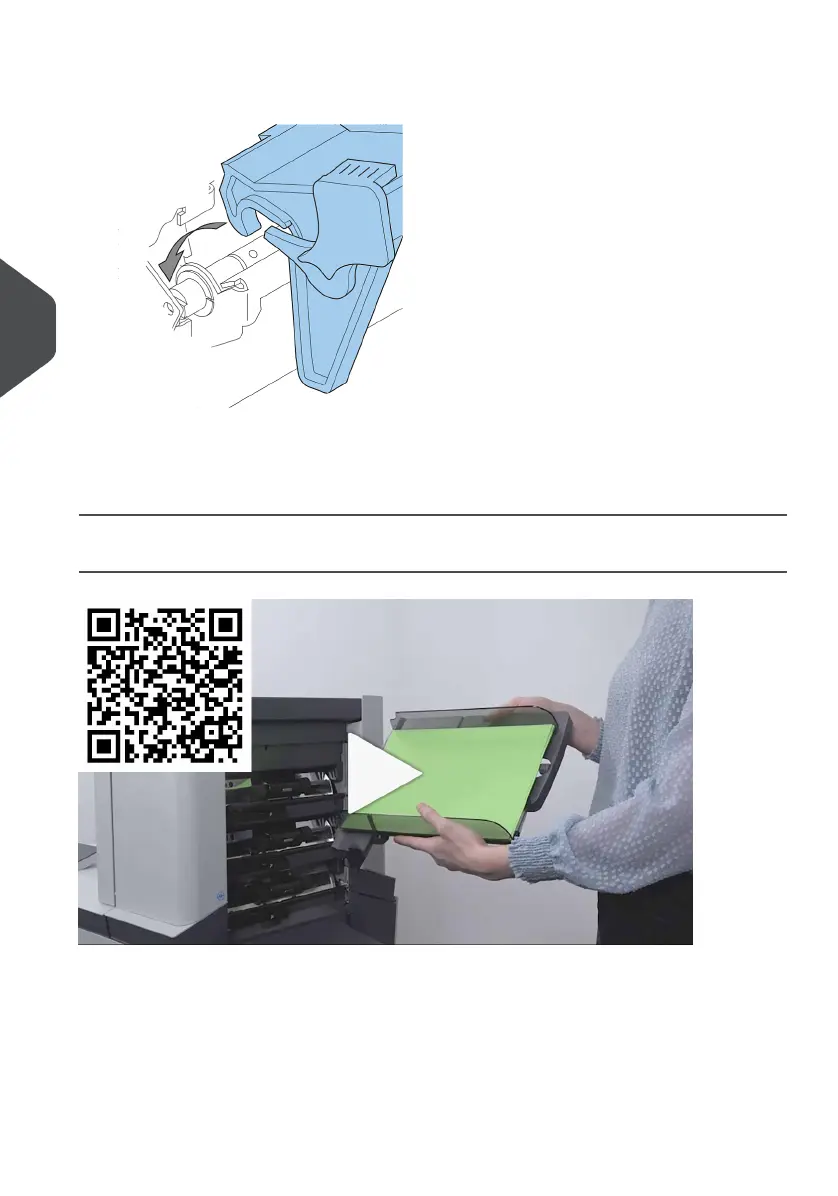
3. Move the document feeder tray upwards (lifting the black rollers), until it is possible
to ‘hook’ the feeder tray into place.
4. Move the document feeder tray towards the machine and move the hooks over the
mounting points (on both sides).
5. Let the document feeder tray rest on the machine.
Adjust the Side Guides
To adjust the side guides it is best to remove the document feeder tray from the feeder as
follows:
Push handle A downwards.1.
62
| Page 62 | Jul-11-2022 07:45 | Loading the System
5
English



 To Next Page