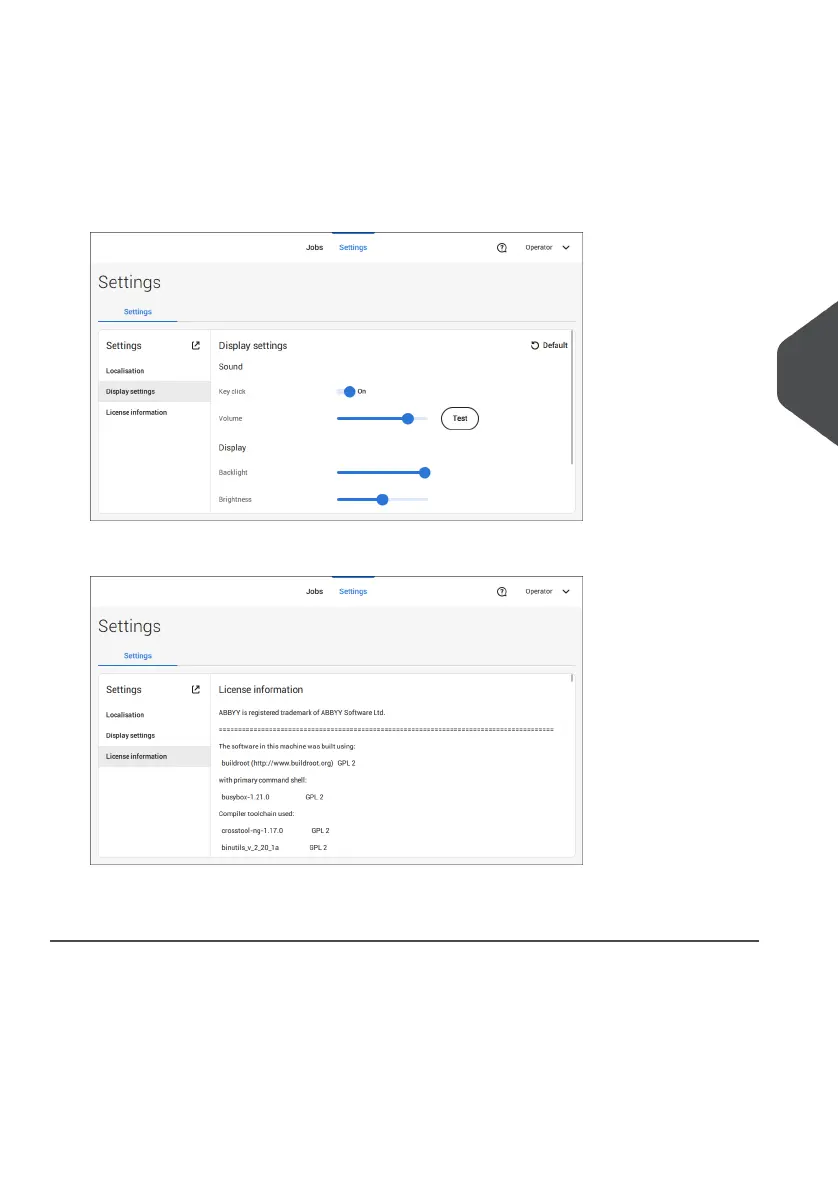
3. Tap [Display settings] if you want to:
- set the 'Key' click to on/off
- set the Volume
- set the Backlight
- set the Brightness
To set the backlight and brightness, a test pattern is available as a reference.
4. Tap [License information] if you want more information on Open source licenses.
For more information on Open source licenses, see License information on page 92 (requires
Supervisor login).
6
English
79
| Page 79 | Jul-11-2022 07:45 | Settings menu



 To Next Page