Online Feature (Licenses) Management
At powerup the system does an online check, provided that it is connected to a network,
to determine if new features/licenses have become available.
New licenses will be installed automatically.
Add a Licensed Option manually
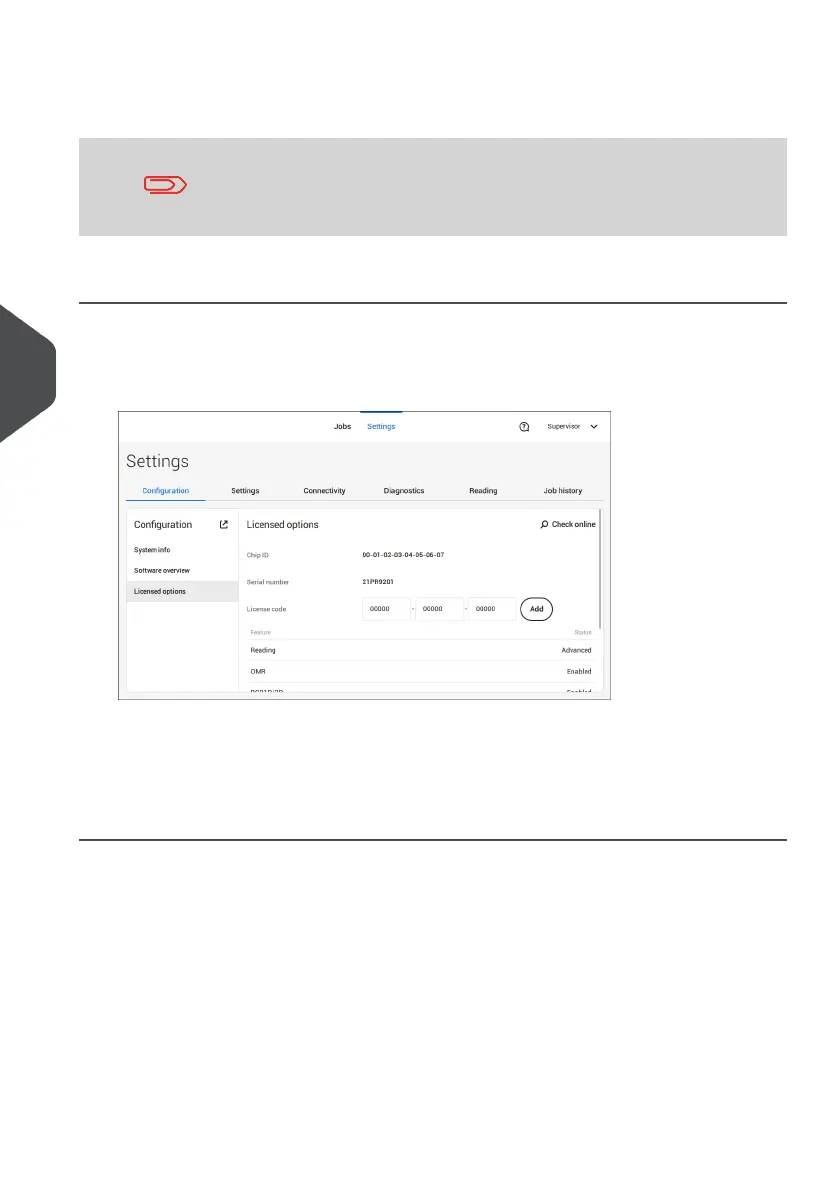
To add a licensed option manually:
In the Configuration, Licensed options screen, enter the license code.1.
2. Tap [Add].
The system verifies the license key.
If the license key has been verified successfully, the option is added to the system and can
be used.
84
| Page 84 | Jul-11-2022 07:45 | Settings menu
6
English



 To Next Page