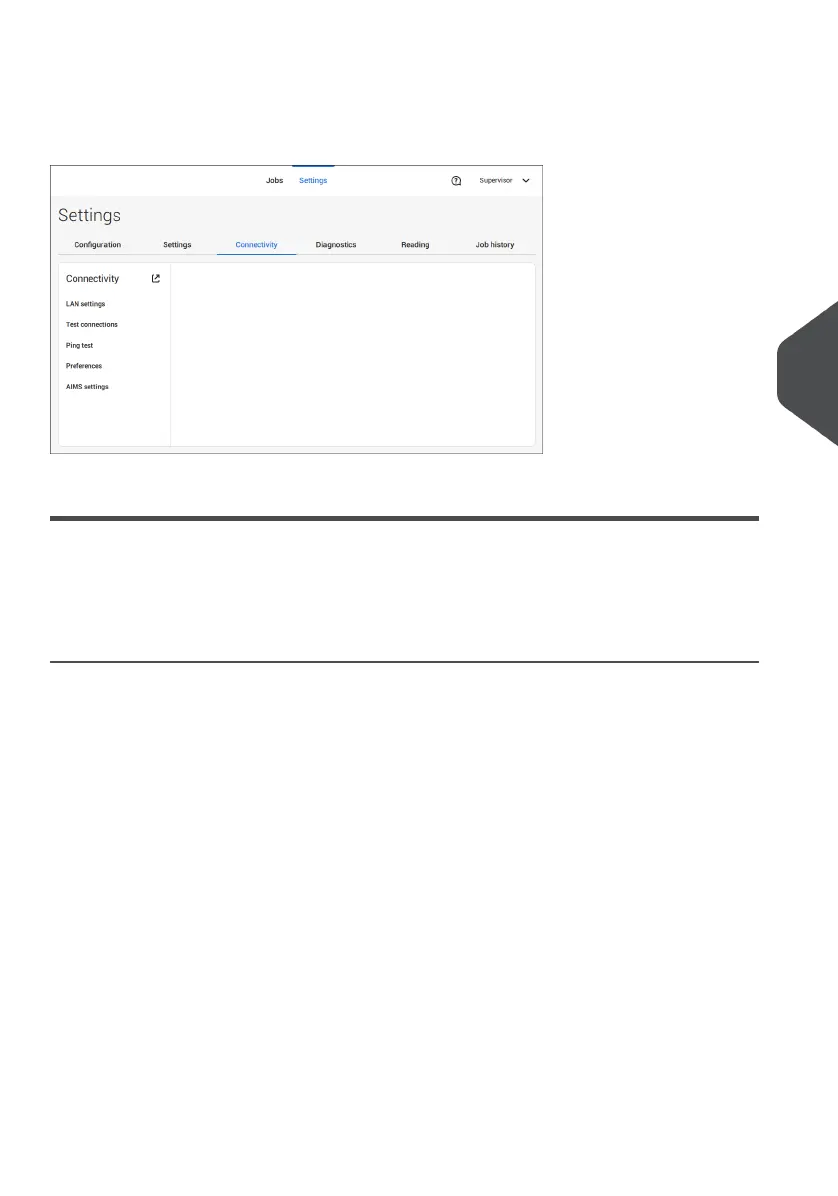
Connectivity
See Connect the system to the internet on page 100.
Diagnostics
Diagnostics
The diagnostics menu contains the basic diagnostics functions available for a supervisor.
System Test
Use the [System test] to check if all motors, clutches and sensors are correctly connected.
The test briefly activates the actuators and clutches and measures the current.
To run a system test:
In the Settings menu, tap the [Diagnostics] tab.1.
6
English
93
| Page 93 | Jul-11-2022 07:45 | Settings menu



 To Next Page